Pattern lock
A vault for each pattern
Draw a pattern on 25 dots. Each pattern opens its own vault, and no pattern is wrong. Any vault can be a decoy.
What DotSafe keeps, how you use it, and what it does to keep each item private.
Draw a pattern on 25 dots. Each pattern opens its own vault, and no pattern is wrong. Any vault can be a decoy.
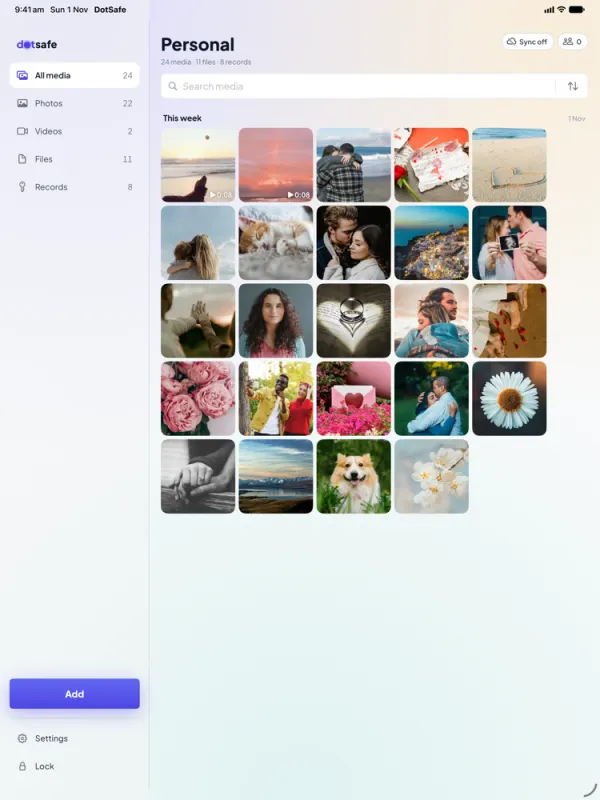
Import from Photos and delete the originals, or take photos with the camera in DotSafe.
Read PDF, text and ePub files in the vault, with no copy on disk.
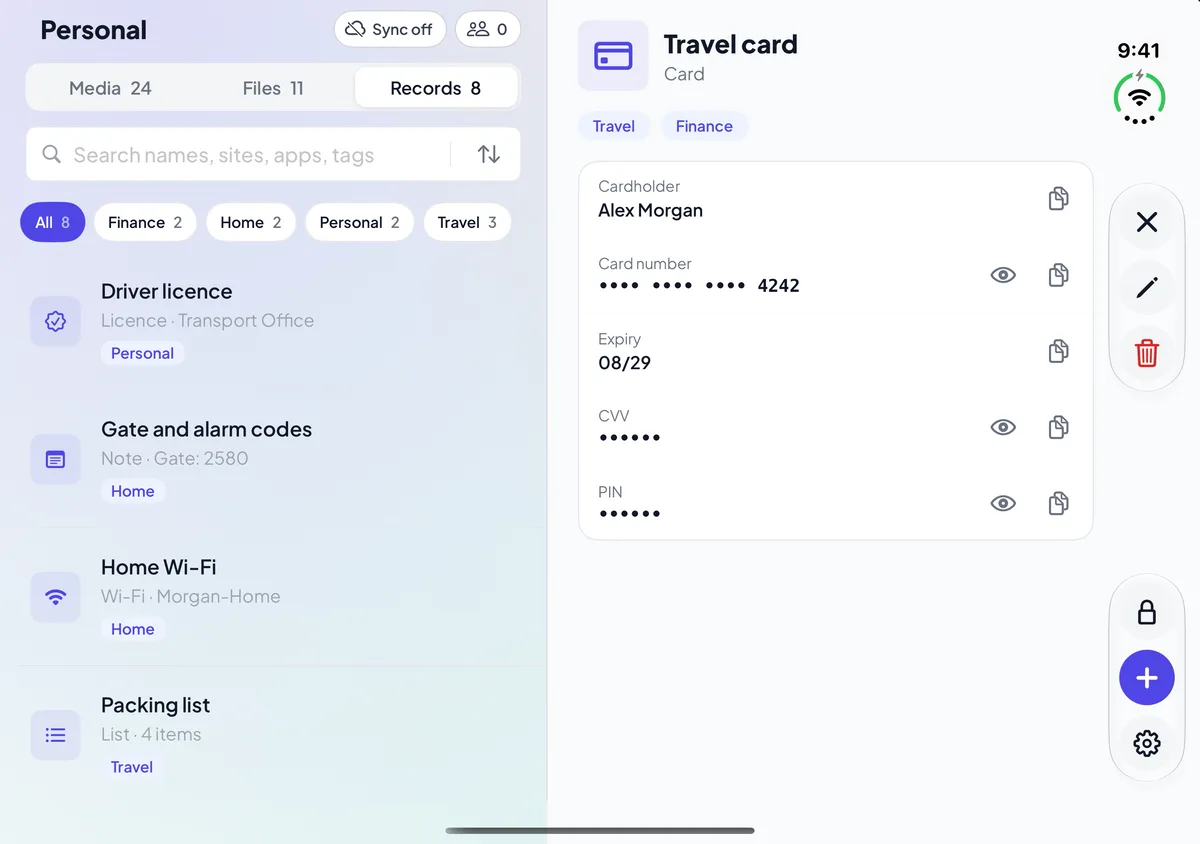
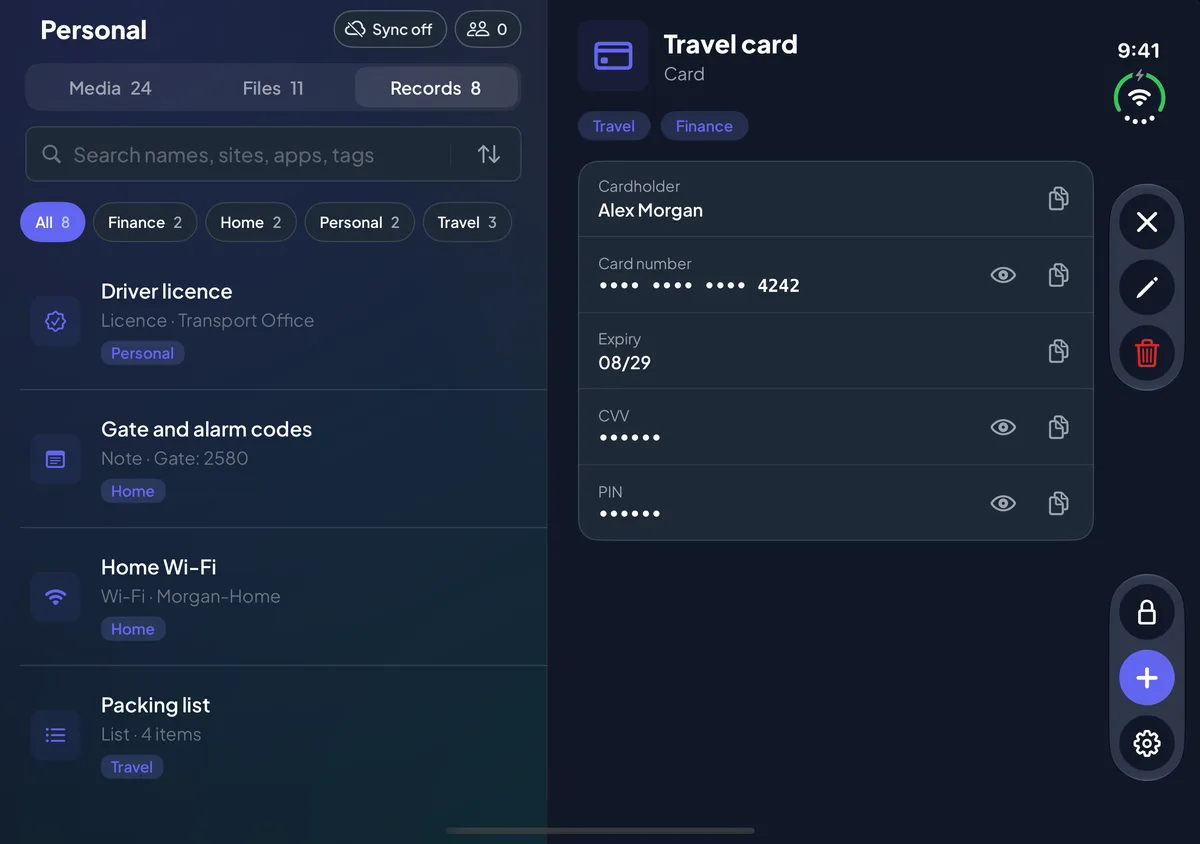
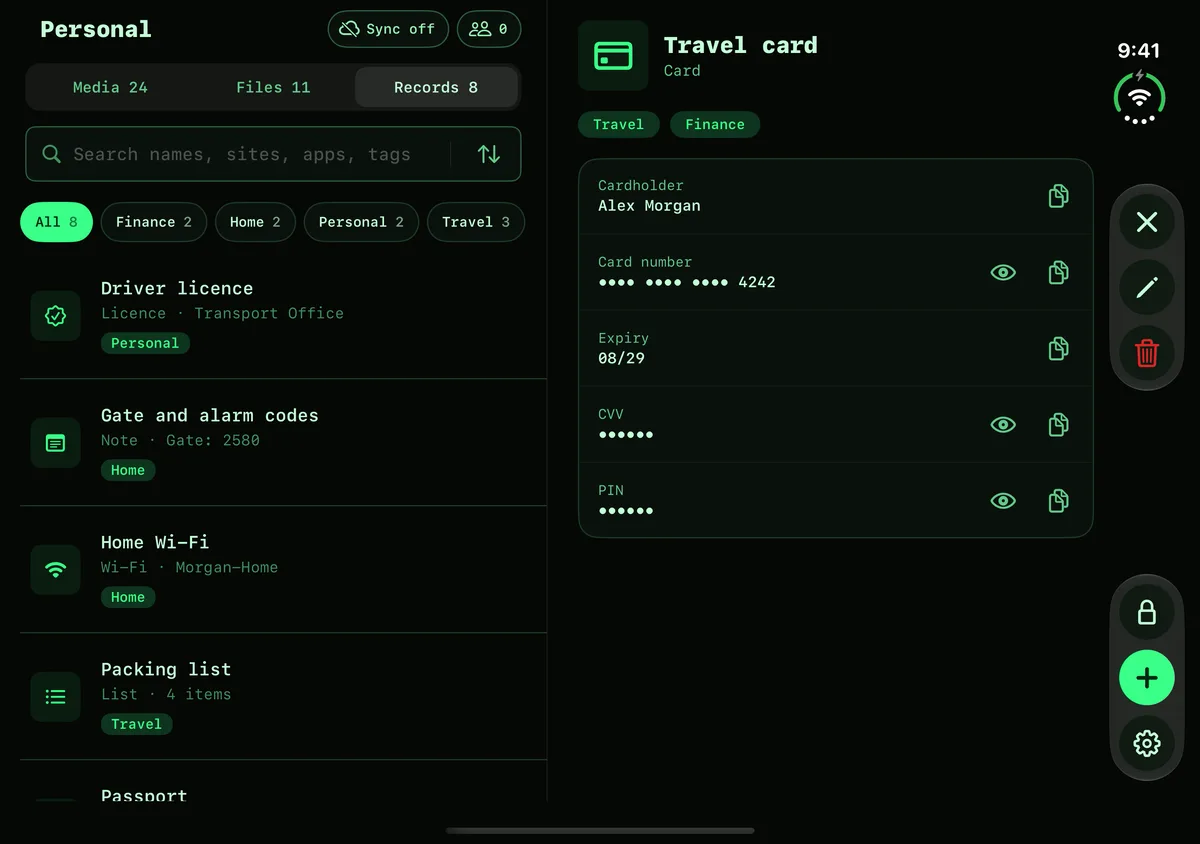
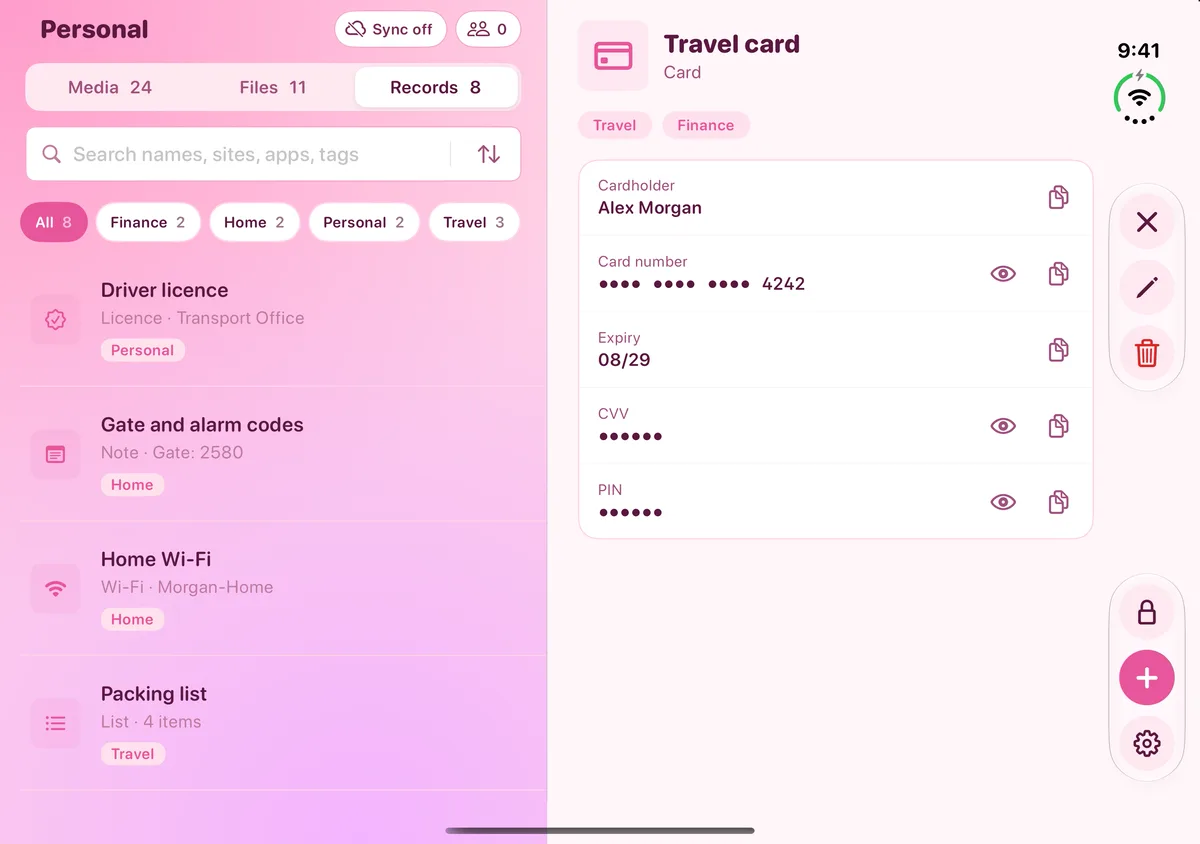
Ten types of record. Copies clear from the clipboard after 60 seconds.
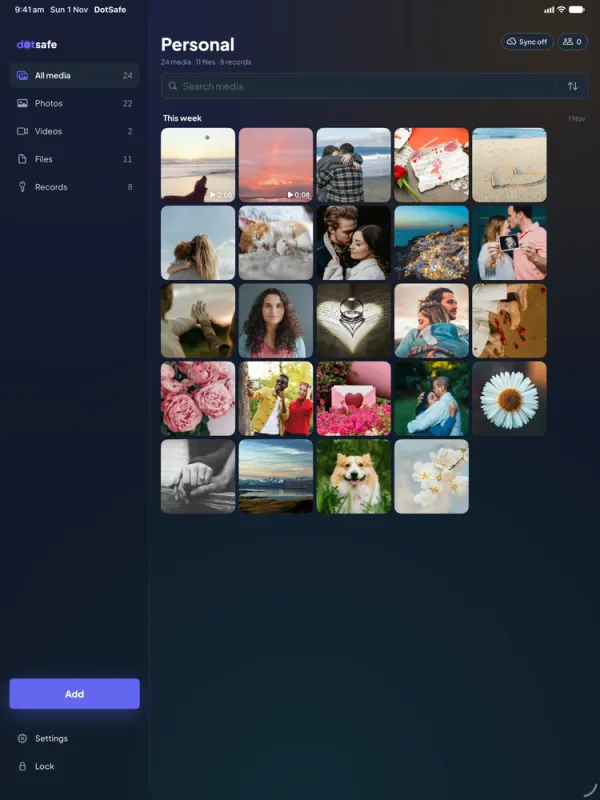
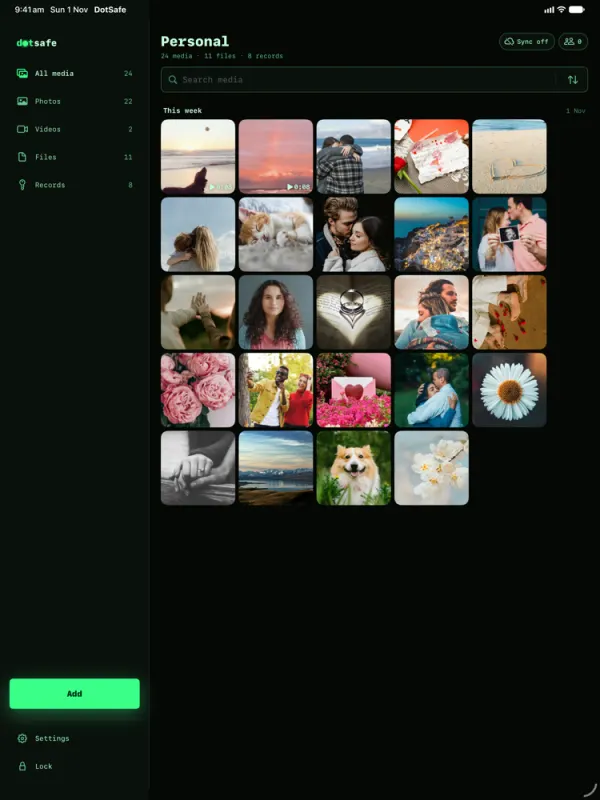
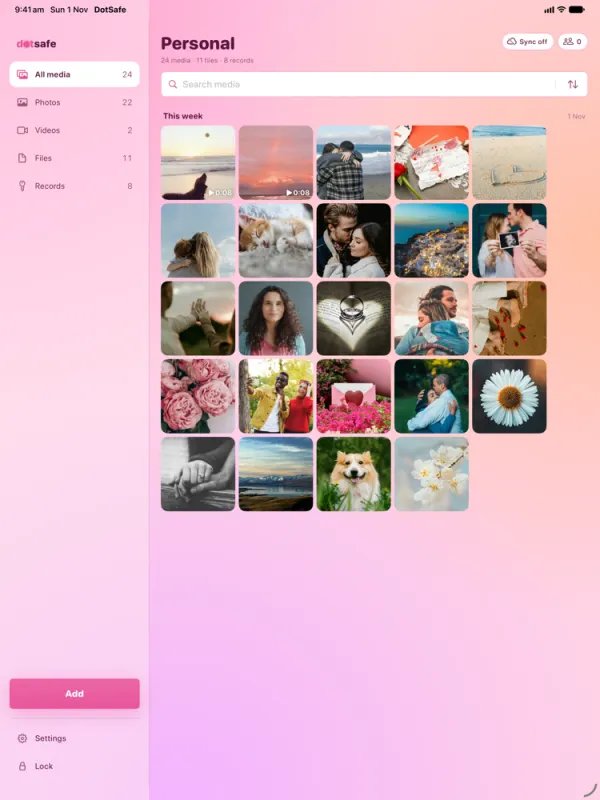
A split layout on iPad. Two pages and a control rail on iPhone Duo.
With Pro, sync through your own iCloud, and share one vault with view or edit access.
From the pattern you draw to the encrypted blocks on your device: the keys, the encryption, the padding and the cover files, step by step.
Why DotSafe opens a vault for every pattern, keeps no list of vaults and hides real data among cover files. What this protects, and where it stops.
A decoy vault is a normal vault that you are willing to show. How to make one that looks real, and the mistakes that give it away.
A second pattern that erases every vault on your device and then opens an empty vault. How to set it, what it erases and what it keeps.
Share one vault with people you trust, with view or edit access. How invites and contact codes work, and what each person can see.
With Pro, DotSafe keeps an encrypted copy of a vault in your iCloud and syncs it to your other devices. How to turn it on, restore a vault and turn it off.
Short answers about forgotten patterns, limits, Face ID, plans, iCloud, deleting data and more.
Your pattern is the only key to a vault, and no one can recover it. How to choose one that is hard to guess and easy for you to remember.
DotSafe is free for 3 vaults. No account, no email, no ads.

 Scan with your iPhone camera.













 Can edit
 Can view









