DotSafe is one app for iPhone, iPad and iPhone Duo. On each device, the layout uses the screen that you have.
iPad
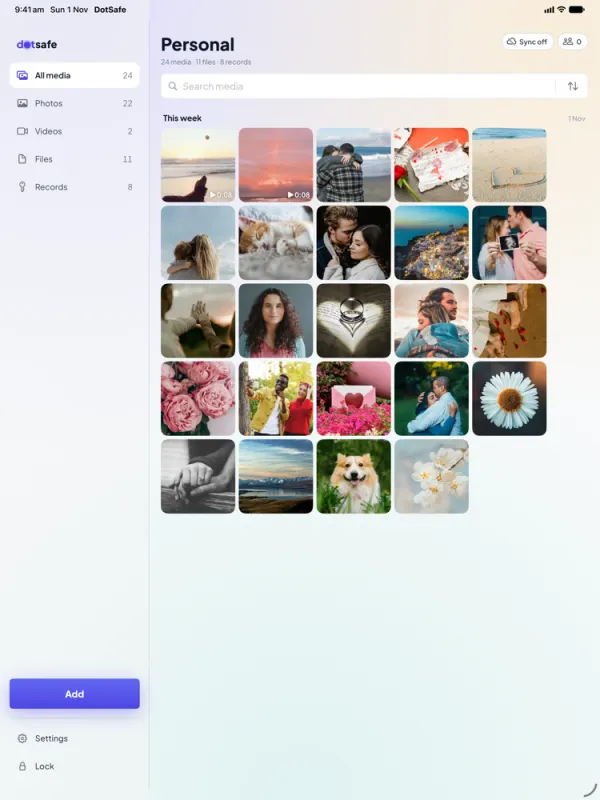
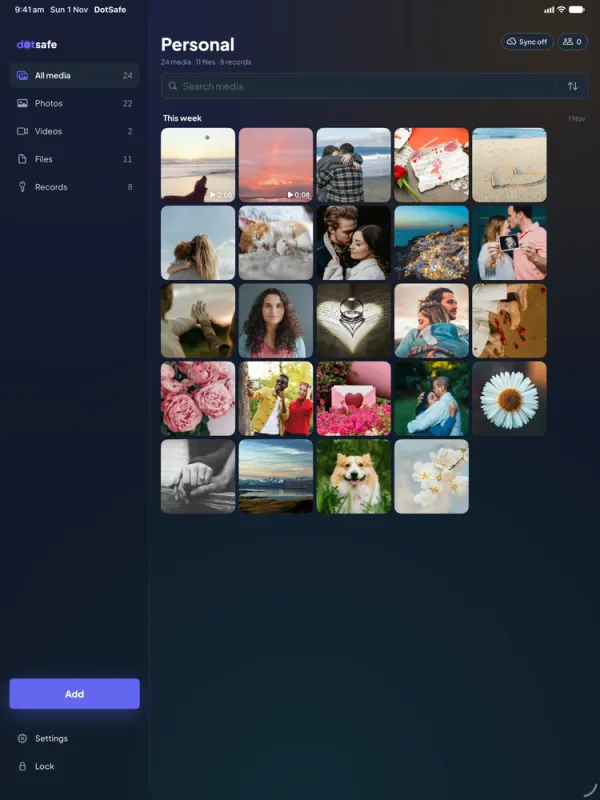
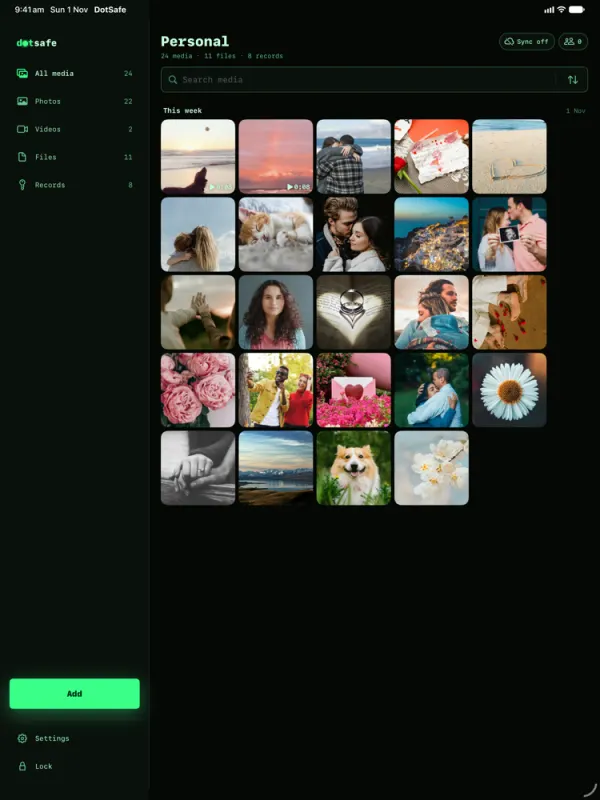
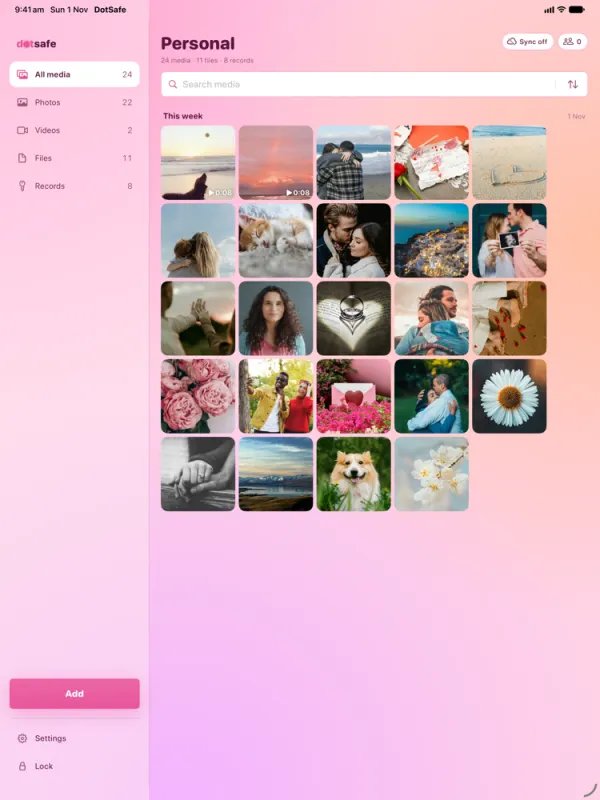
On iPad, the vault opens in a split layout. The sidebar shows Media, Files and Records. The large area on the right shows the grid, the list or the item that you opened. Settings opens as a form over the vault.
iPhone Duo
When you open iPhone Duo, DotSafe uses both pages:
- The library is on the left page.
- The photo, file or record that you open is on the right page. So are Settings and the record editors.
- The Lock, Add and Settings buttons are in the rail on the right edge. Nothing goes below the hinge.
- A photo opens on the full screen.
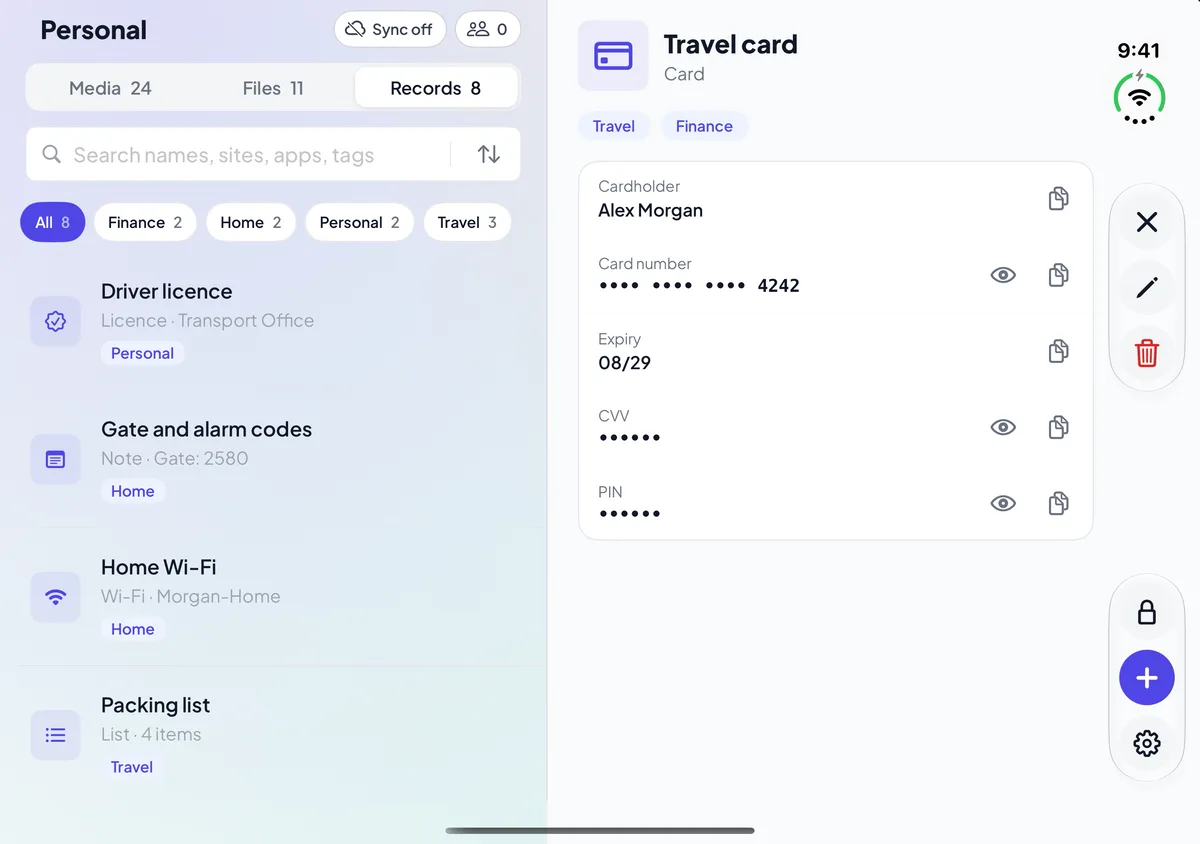
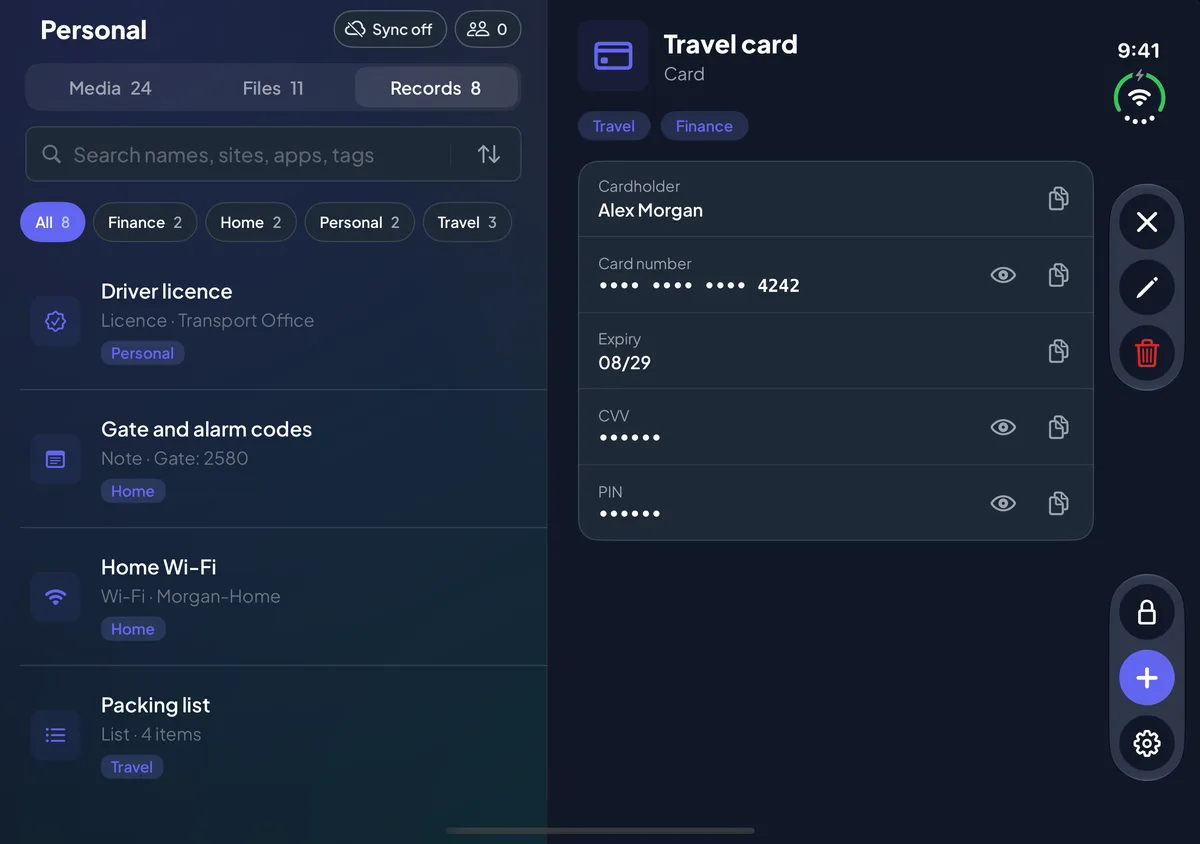
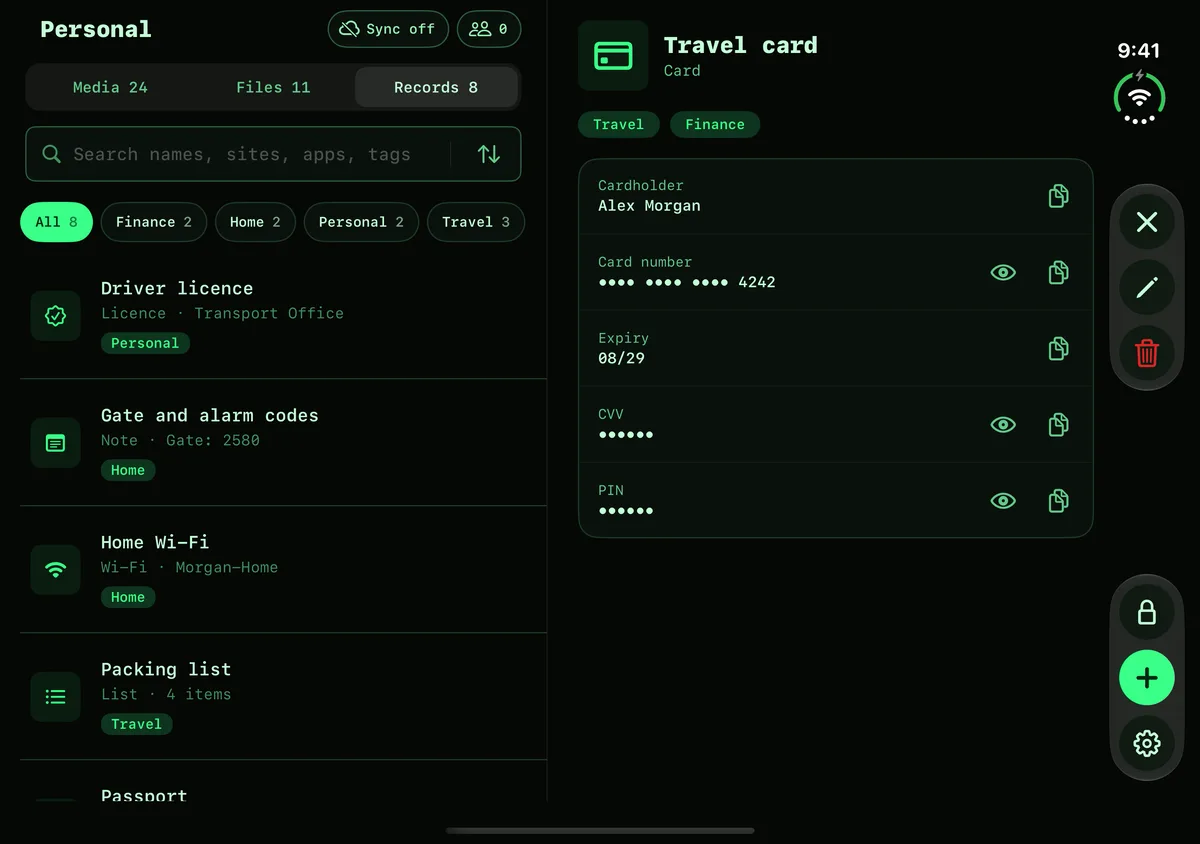
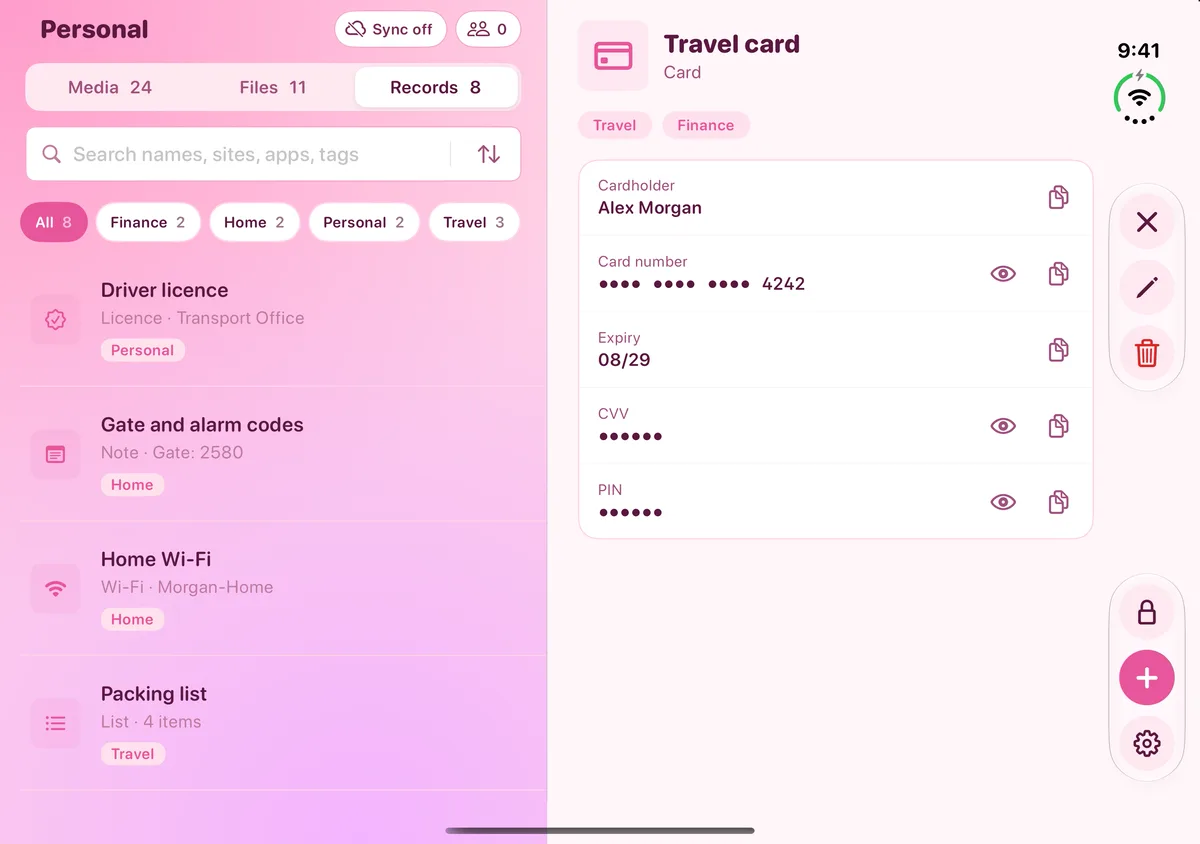
When you fold or turn the device, an open file, record or editor stays open. It keeps its scroll position and the text that you typed.
iPhone
On iPhone, the vault has three tabs: Media, Files and Records. Swipe sideways anywhere to change the tab.
The same vault on each device
Each device keeps its own vaults. With Pro, turn on iCloud sync for a vault, and it shows on your other devices when you draw the same pattern. The data is encrypted on your device before it goes to iCloud. See Backups and iCloud sync.
Four themes on every device
Select Light, Dark, Terminal or Pink when you start DotSafe. Change it at any time in Settings.











