Someone makes you open the app
Every pattern opens a vault, so you can open a decoy vault. There is no list of vaults. The duress pattern erases all vaults on the device.
Here is who DotSafe protects you from, how it works, and what it cannot do.
DotSafe is for people who must keep photos, files and personal details private from someone who can hold their device. That person can be a partner, a family member, an employer, an official at a border, or a thief.
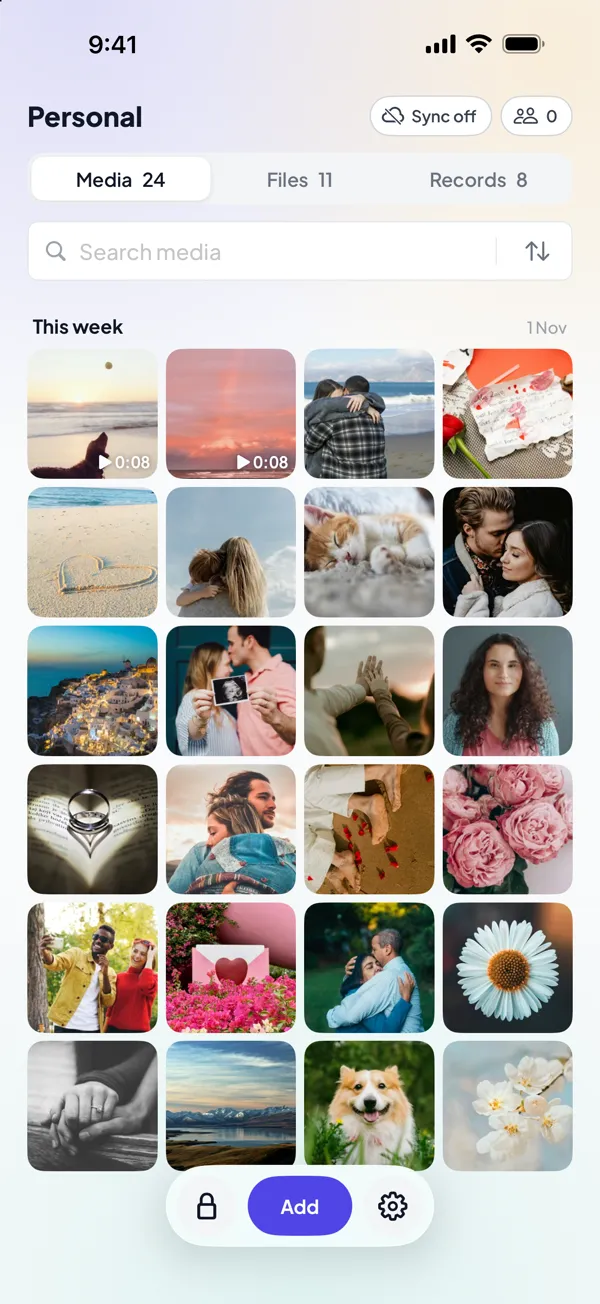
The most difficult case is when someone makes you open the app. Strong encryption does not help if you must unlock it yourself. For that case, DotSafe lets you open a decoy vault, and nothing shows that your other vaults exist.
Every pattern opens a vault, so you can open a decoy vault. There is no list of vaults. The duress pattern erases all vaults on the device.
All stored data is encrypted. All blocks have the same size and random names. Cover files hide which blocks are real and how many vaults there are.
Each guess needs a PBKDF2 calculation with 600,000 rounds. This makes a large number of guesses slow and expensive.
We have no servers and we do not store your data. With Pro, the vaults that you sync are backed up to your iCloud, but they are encrypted on your device first, so not even Apple can read them.
DotSafe covers its window in the app switcher and hides content during screen recording. Both settings are on by default.
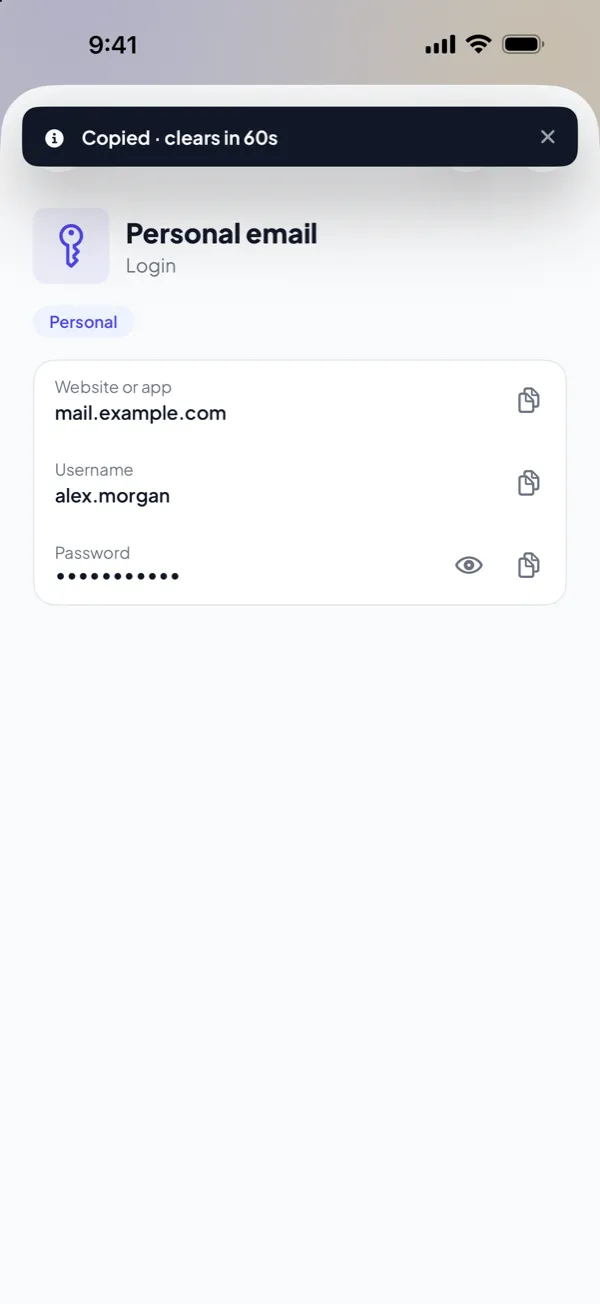
Copies stay on this device only, and clear after 60 seconds.
Every security design has limits. Know these before you trust DotSafe with something important.
This is a summary. The full explanation is in How DotSafe encrypts your files.
PBKDF2-HMAC-SHA256, 600,000 rounds and a random salt make a key from your pattern. Then DotSafe erases the pattern from memory.
The key finds and opens the index of one vault, which holds a random 256-bit vault key. If no index opens, DotSafe opens a new empty vault. It never shows an error.
Each item has its own random key. DotSafe splits the item into blocks of one size, fills the last block with random data, and encrypts each block with AES-256-GCM.
Each block gets a random name with no extension. The blocks of all vaults and the cover files are in one folder together.
We have no servers, no accounts and no analytics in the app. The app connects only to Apple, for iCloud and the App Store, and to this website when you open a help page. A help page that opens from the app loads no analytics. Because we receive no data, we cannot give it to anyone, and a breach of our systems cannot expose it.
DotSafe uses Apple's CryptoKit for AES-GCM, HKDF and Curve25519, and Apple's CommonCrypto for PBKDF2. It uses no third-party cryptography. All app files have iOS Data Protection at the Complete level, so iOS encrypts them again while the device is locked.
Found a security problem? Email dotsafe@mobiusly.com. Include what you found and the steps to reproduce it. We will reply, and we are happy to credit you.
DotSafe is free for 3 vaults. No account, no email, no ads.