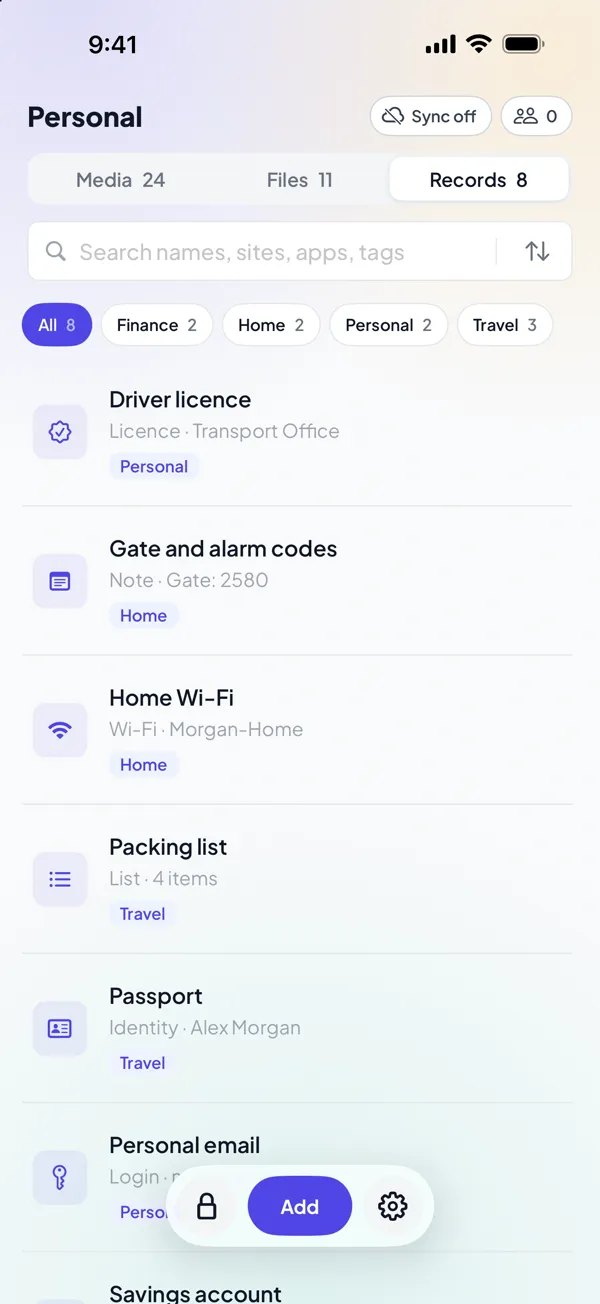
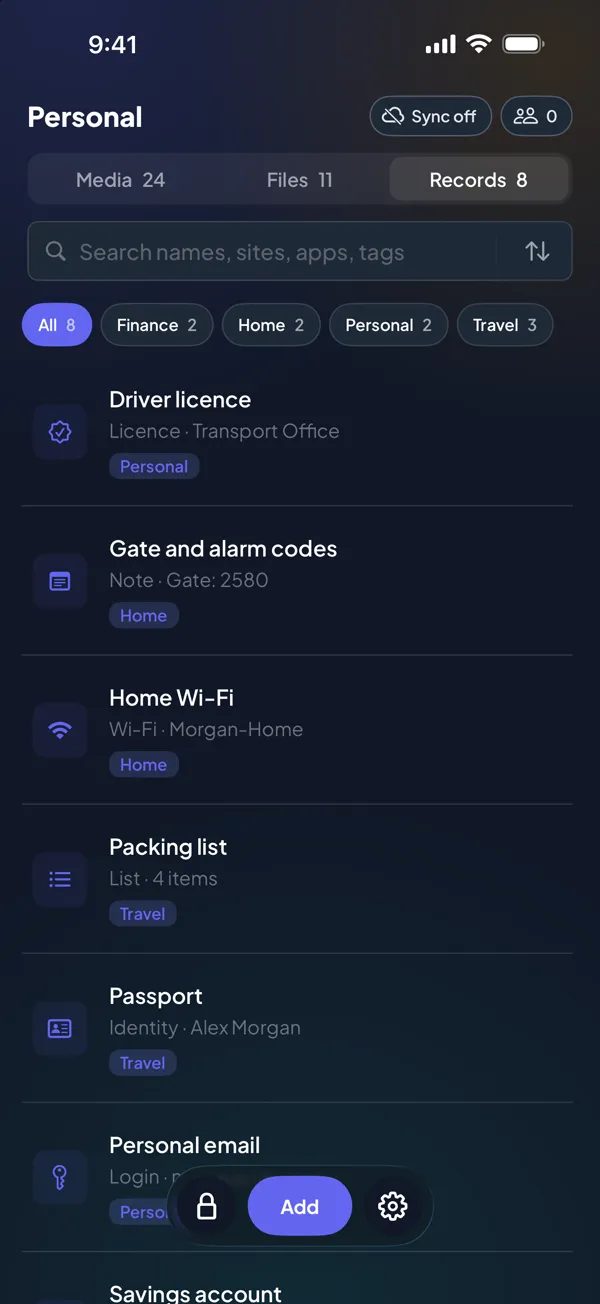
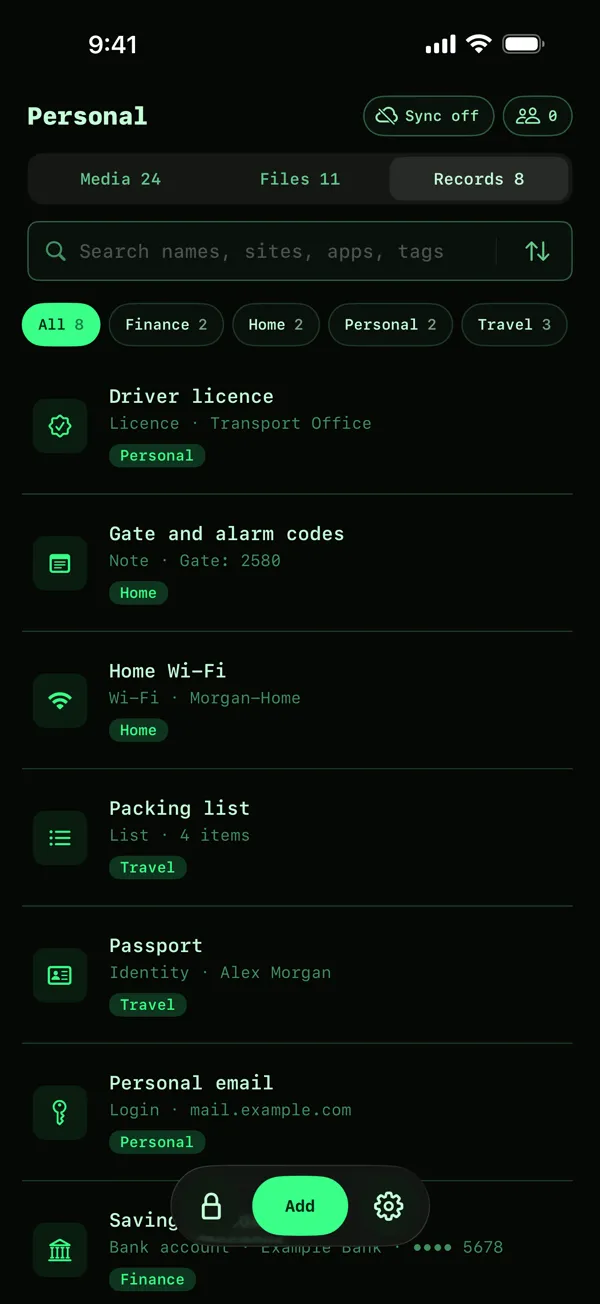
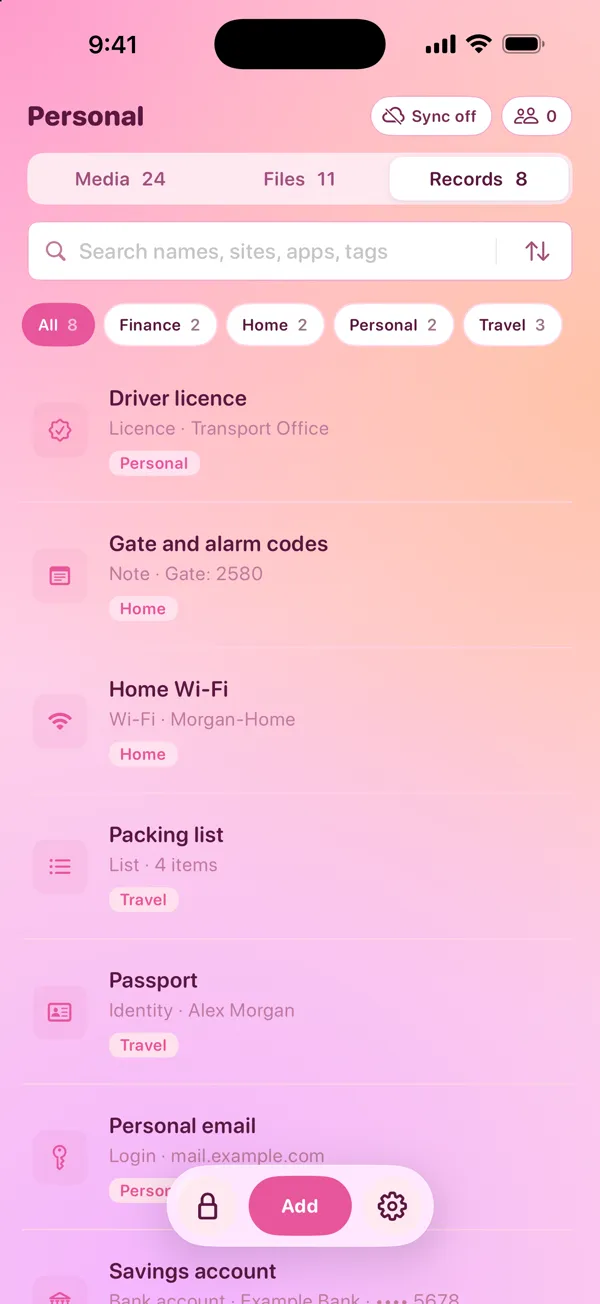
Keep logins, card numbers, passport details, Wi-Fi passwords and door codes in the same vault as your photos and files. DotSafe calls these records.
Ten types of record
Each type has the fields that it needs:
- Login: website, username and password.
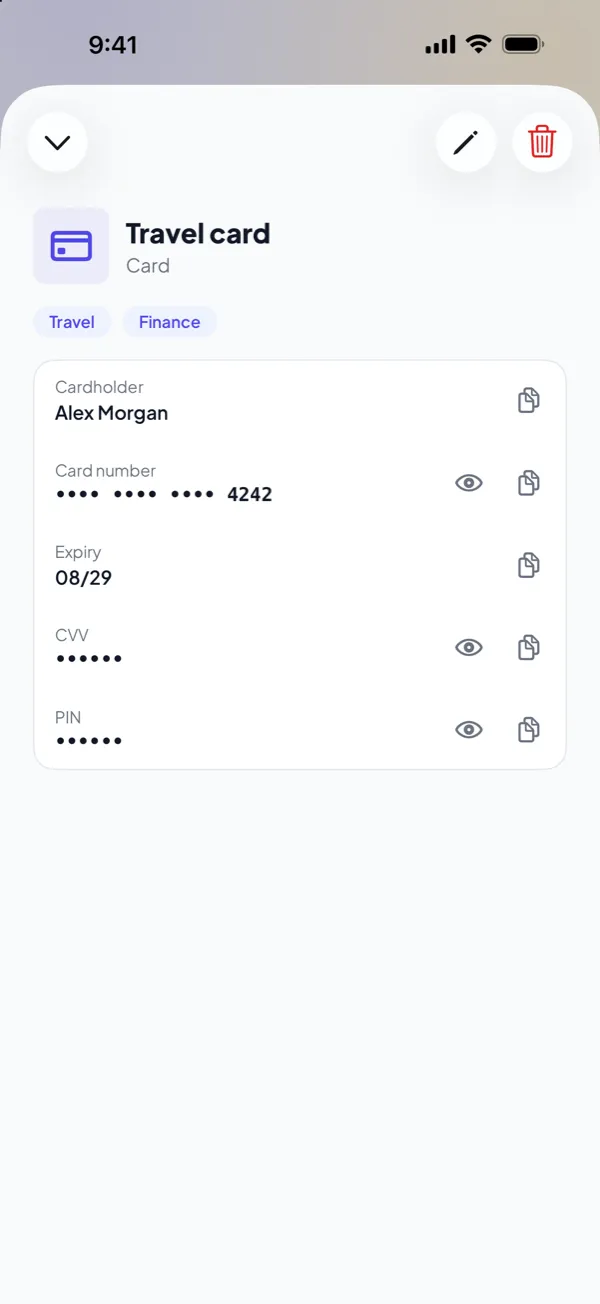
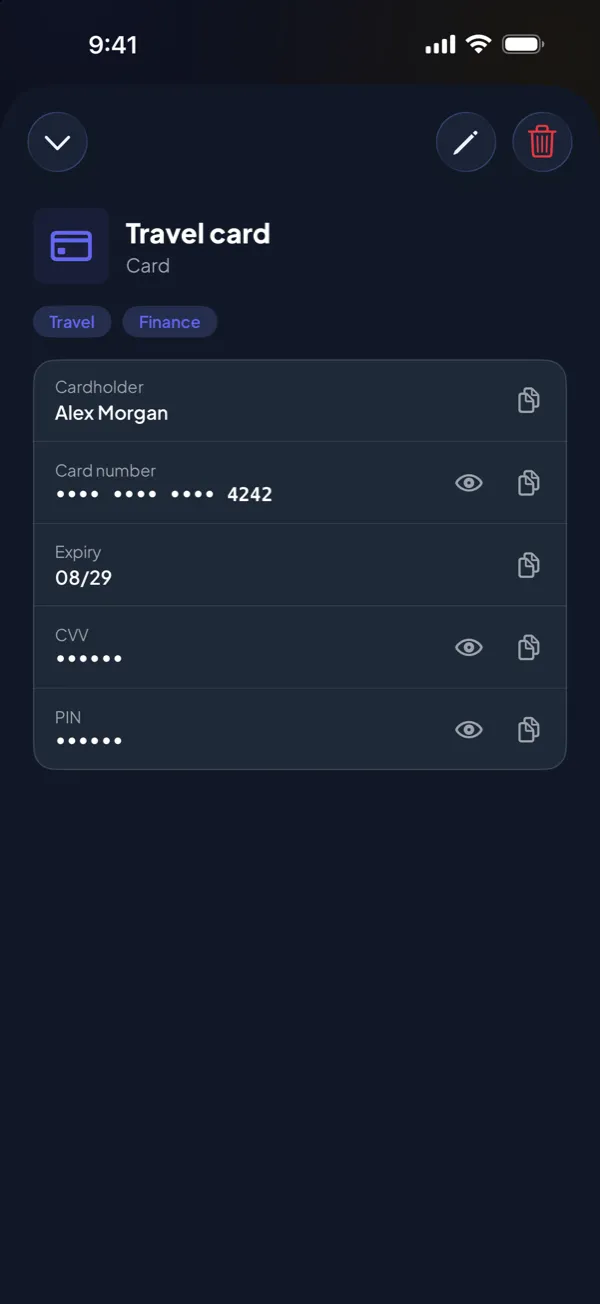
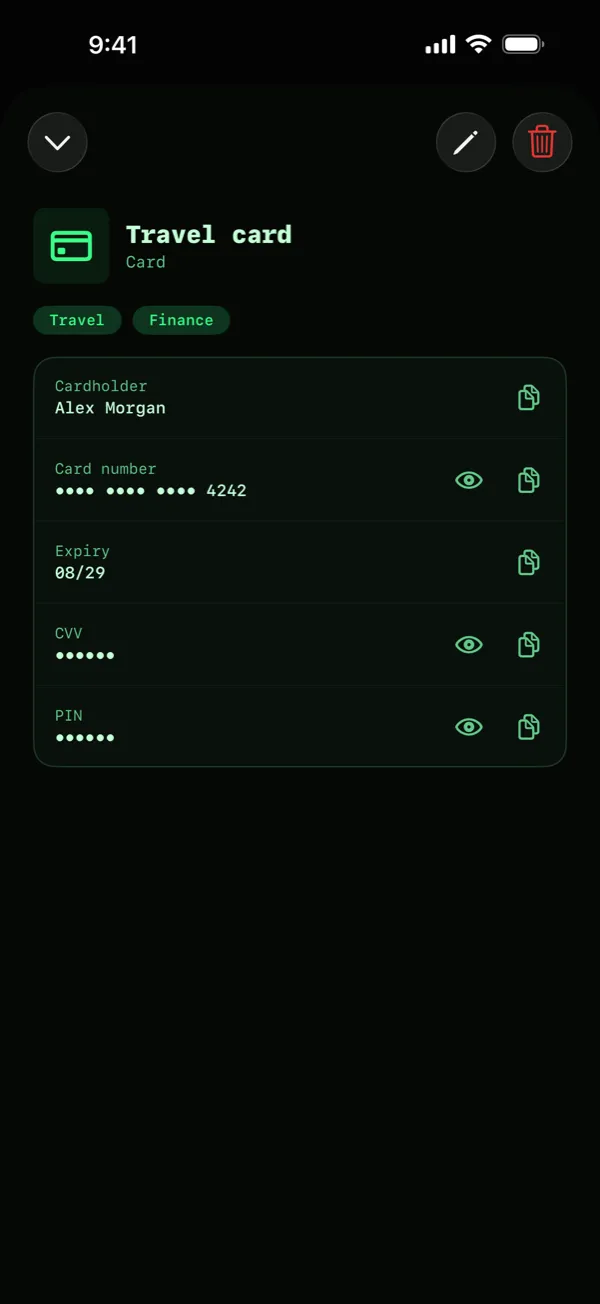
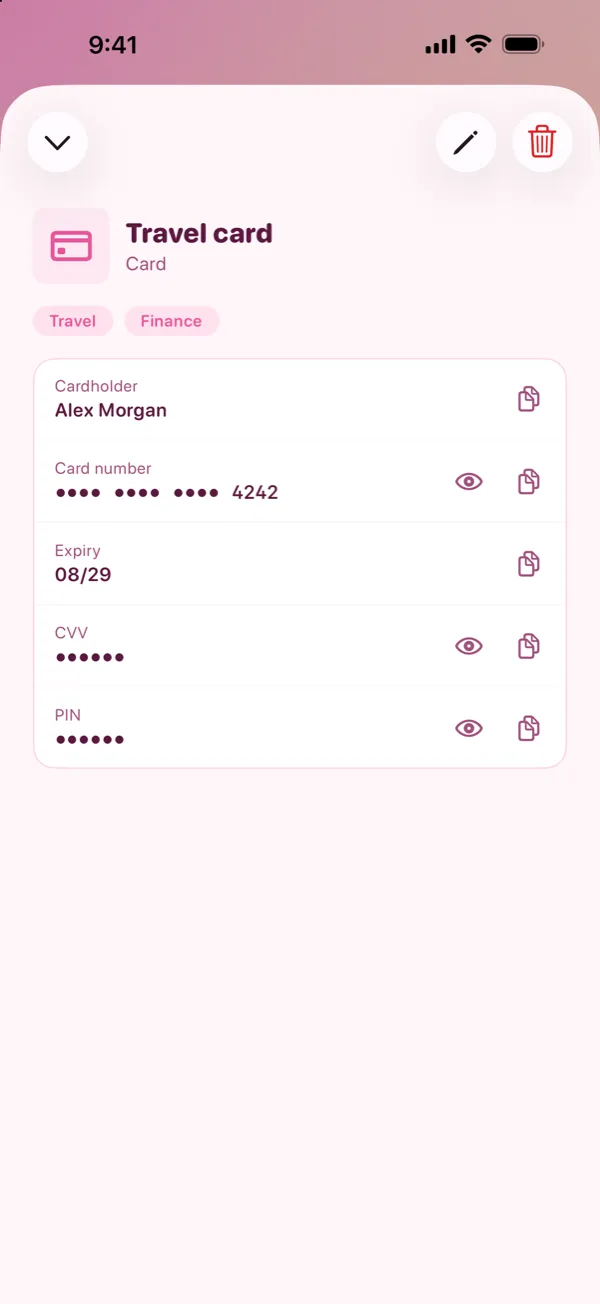
- Card: cardholder, number, expiry date, CVV and PIN.
- Identity, Licence and Policy: passport, driver licence and insurance details.
- Bank account, Membership and Wi-Fi.
- Note and List: free text, or a list of lines.
Add your own fields to any record. Give each field a name, and set it as hidden if it is secret. Use tags to put records in groups, and filter the list by tag.
Secrets stay hidden until you tap
Passwords, card numbers, CVVs and PINs show as dots. Tap a field to show it. Search does not look in hidden fields, so a secret never shows in search results.
Copy for 60 seconds
Tap Copy to put a password or a number on the clipboard. The copy stays on this device only, so it does not go to your other devices with Universal Clipboard. After 60 seconds, iOS removes it.
Not a password manager
DotSafe does not fill in passwords in Safari or in other apps. It is for the details that you must keep private and use sometimes. If you need AutoFill on all your devices, use a password manager for your everyday logins, and keep the most private records in DotSafe.
Encrypted the same as your files
A record is an item, the same as a photo. DotSafe gives it its own key, puts it in blocks of one size and encrypts it with AES-256-GCM. On the device, a record looks the same as a part of a photo.











