Locked notes and the Passwords app are private from strangers and from Apple. Whether they are private from a person who knows your iPhone passcode depends on the app. A locked note with its own notes password stays closed to that person. The Passwords app does not, because your passcode opens it.
Most iPhone owners already use these two apps for private things. A note holds the alarm code, the passport number and the answers to security questions. The Passwords app holds every login, including the bank, the email account and the work systems. Both apps feel locked, because they ask for Face ID. But Face ID has a fallback: the six digits that a partner, a teenager or a friend may have seen you type. So the real question is not "are they encrypted?" They are. The question is who else can get in through the passcode.
This guide looks at locked notes first, then the Passwords app, and then how to divide your private data between them and, where it is necessary, a separate vault.
Locked notes are private, if you give them their own password
When you lock a note, iOS asks which lock to use: your device passcode, or a separate password for notes. That one choice decides who can open the note.
With a separate notes password, a person who knows your passcode sees the note in the list, but cannot open it. Apple encrypts the text and the attachments of the note with a key that comes from that password. Apple does not know the password and cannot reset it for you. That is good for privacy, and it has a cost: if you forget the password, those notes stay locked for good. You can set a new notes password in the Settings app, but it applies only to notes that you lock after the change.
With the device passcode as the lock, a locked note is only as private as your passcode. Anyone who can unlock your iPhone can open the note.
Locked notes also have practical limits:
- The title stays visible. The first line of a locked note shows in the list of notes. A title such as "Bank PINs" tells a reader what you keep, even if they cannot open it. Give each locked note a title that says nothing.
- Notes is made for text. You can attach a few photos or a scan, but you cannot browse a collection of photos or videos in a note.
- Nothing in an open note is hidden. A card number or a passport number is one line of plain text. When the note is open, anyone who looks at your screen can read every line.
To lock a note, open it, tap the More button, then tap Lock.
The Passwords app is safe from Apple, but your passcode opens it
The Passwords app, in iOS 18 and later, keeps your passwords, passkeys, verification codes and Wi-Fi passwords. It fills them in for you in Safari and in other apps. It syncs through iCloud Keychain, which is end-to-end encrypted, so Apple cannot read your passwords on its servers. It is a strong design for everyday logins.
Its weak point is the lock on your device. The Passwords app opens with Face ID, Touch ID or your device passcode, and it has no password of its own. A person who knows your passcode can open the app and read each password. With your email password, they can reset many of your other accounts too.
The Passwords app also keeps logins only. Safari AutoFill keeps card numbers in a different place. There is no place for a passport number, a driver licence, a policy number or a photo.
For most people, this is the right trade-off for everyday logins. If no one else knows your passcode, the Passwords app protects them well. If someone does, change the passcode first. Someone knows your iPhone passcode: what to do lists the steps.
Most people need both apps, and a vault for a few things
You do not need to move everything into a vault. The built-in apps are free, they work well together, and they are on every iPhone. A vault is useful for the small part of your data that a person with your passcode must not see. This table shows what each option can do:
| Feature | DotSafe | Locked note | Passwords app |
|---|---|---|---|
| Your passcode cannot open it | Yes | YesWith a notes password | NoFace ID or passcode |
| Photos and videos | Yes | A fewAs attachments | No |
| Cards and IDs | YesA field for each detail | As text | NoCards are in Safari AutoFill |
| Secrets hidden until you tap | Yes | NoAll text shows when open | Yes |
| Fills in passwords | No | No | Yes |
| Decoy vaultEvery pattern opens a vault | Yes | No | No |
| Built into iOS | No | Yes | Yes |
| Price | Free3 vaults, 100 items in each | Free | Free |
A sensible division looks like this:
- Everyday logins: the Passwords app. AutoFill saves time, and iCloud Keychain keeps them safe from Apple.
- A small amount of private text: a locked note with a notes password, for example a list of recovery codes.
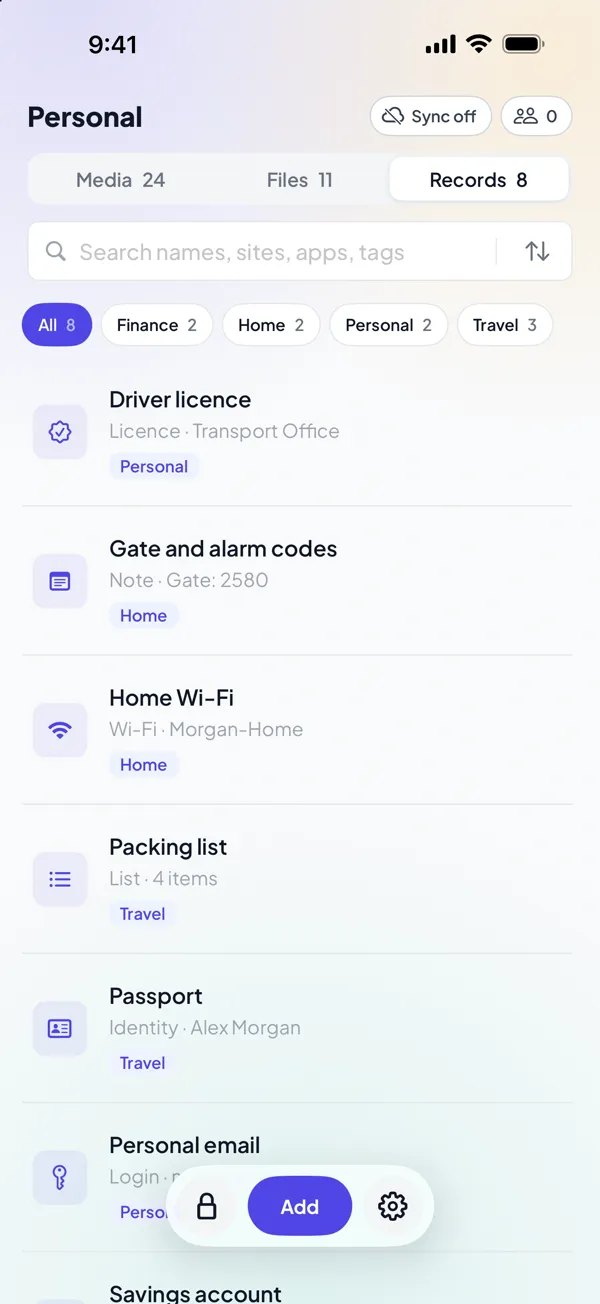
- Things that a person with your passcode must not see: a vault with its own key. For example, private photos and videos, ID documents, bank details, and the login of an account that no one else should know about.
How a DotSafe vault fills the gap
DotSafe gives that last group a key that has nothing to do with your passcode. You open a vault with a pattern that you draw on a grid of 25 dots. DotSafe makes the encryption key of the vault from the pattern, and it does not store the pattern anywhere.
Each pattern opens its own vault. A pattern that DotSafe does not know opens a new, empty vault, so DotSafe never says that a pattern is wrong and never shows how many vaults you have. If someone makes you open DotSafe, you can open a vault with less in it. Setting up a decoy vault explains how.
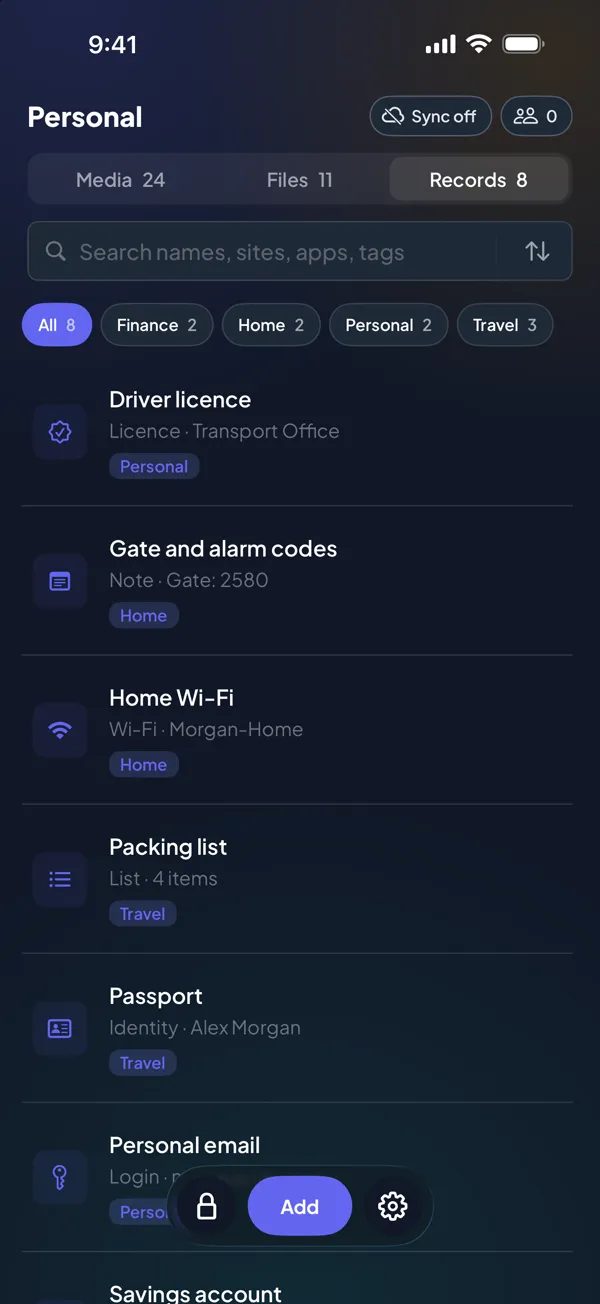
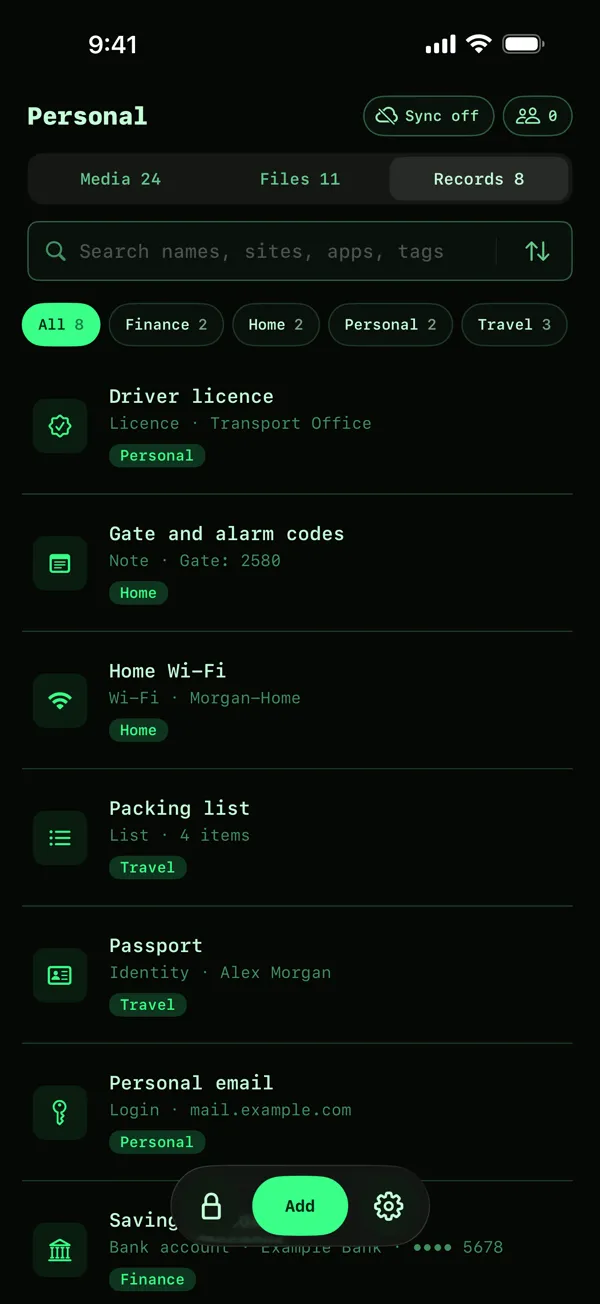
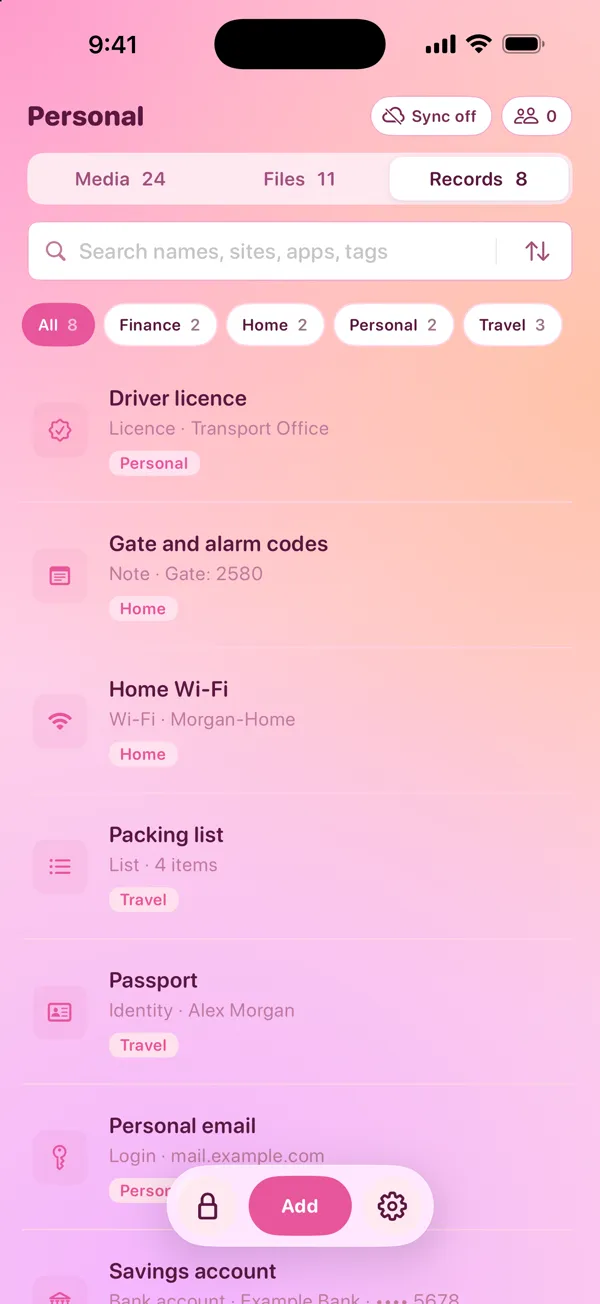
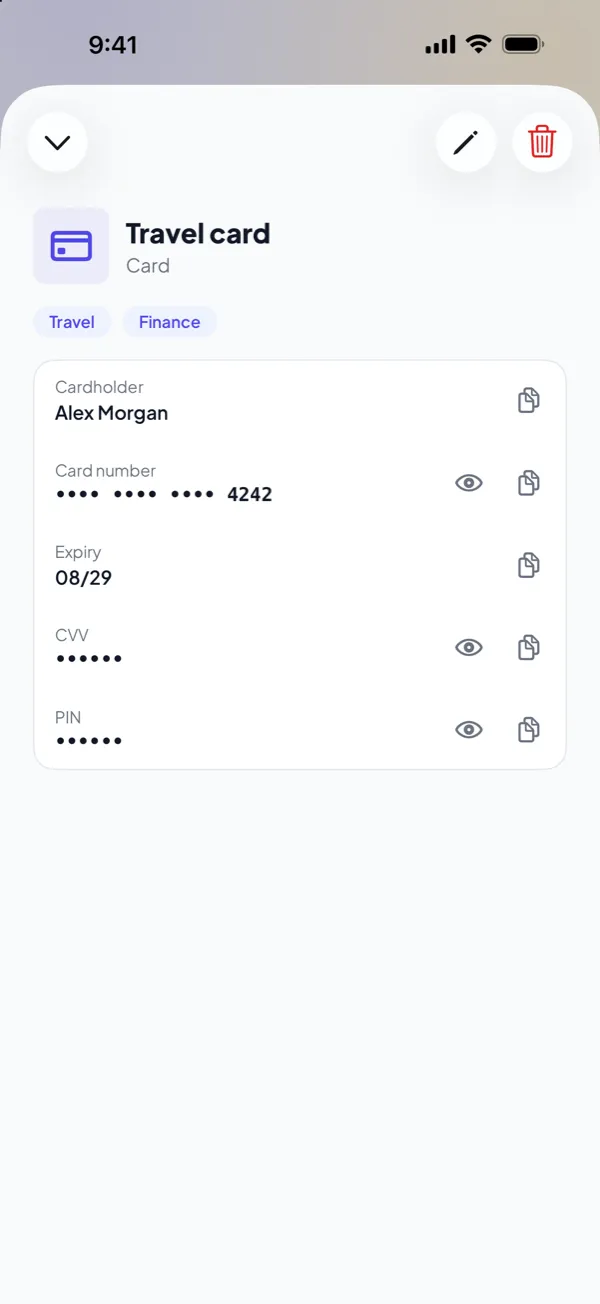
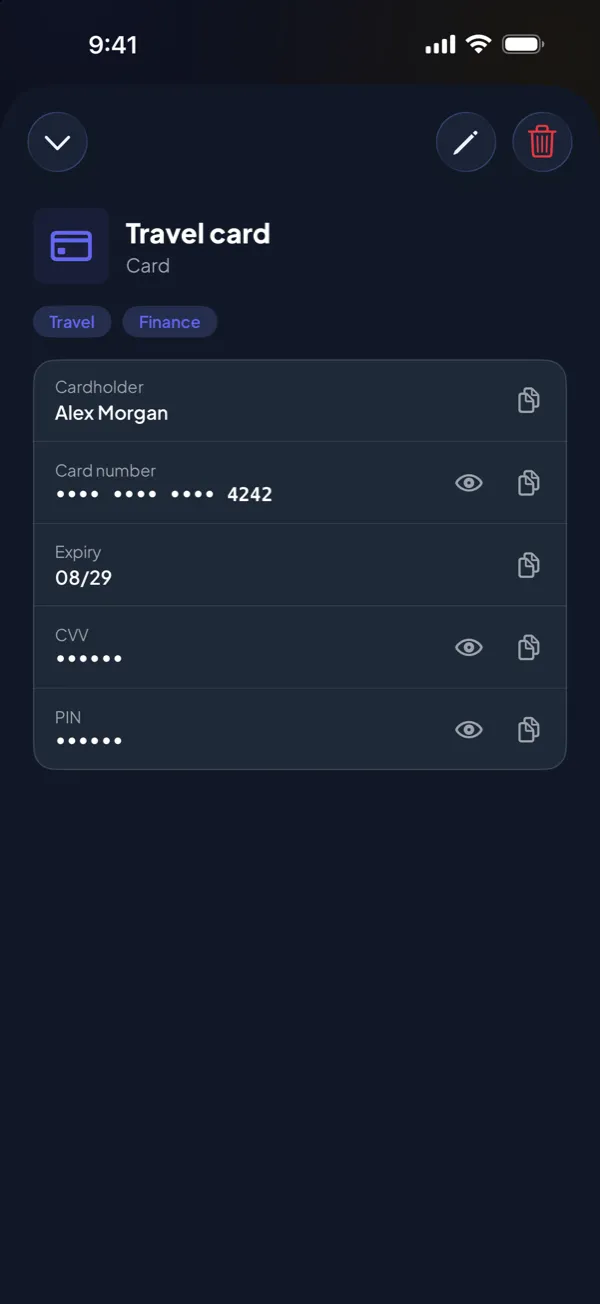
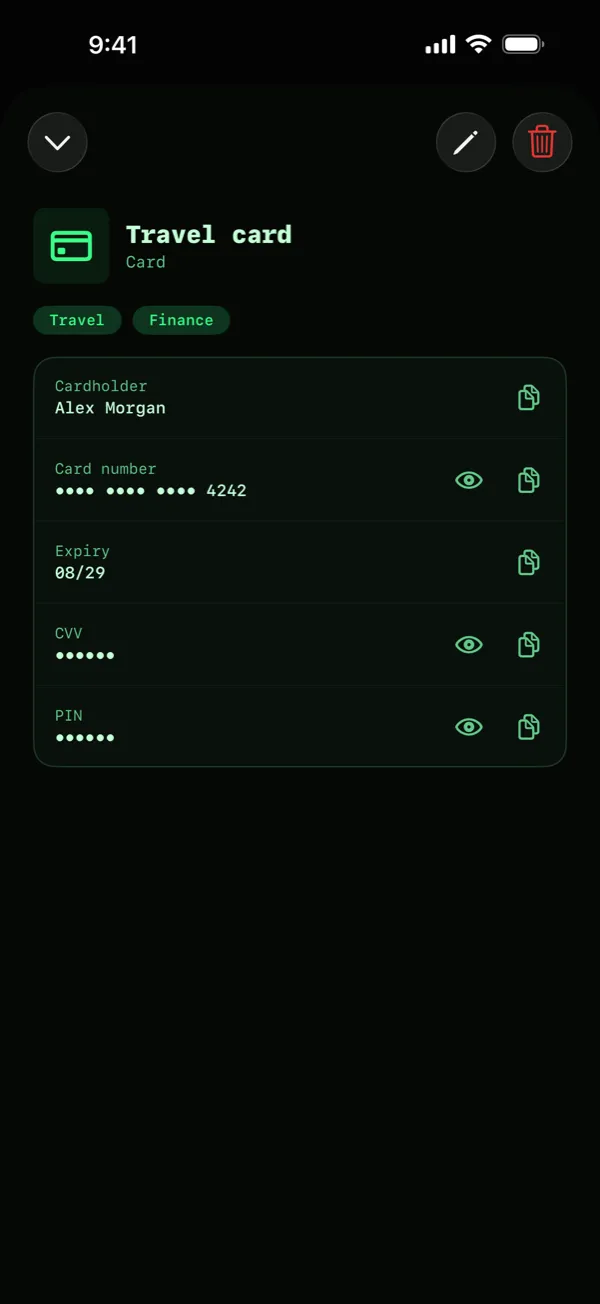
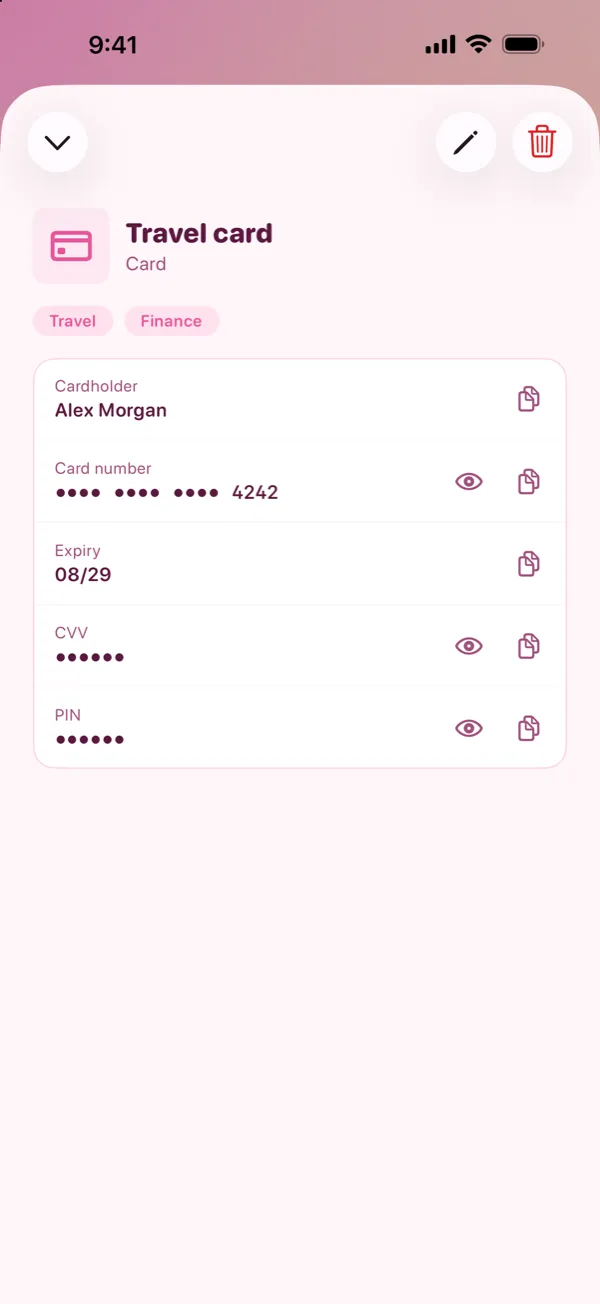
For details such as cards and IDs, DotSafe keeps records with a field for each detail. There are ten types, for example Login, Card, Identity, Licence and Bank account. Card numbers, PINs and document numbers show as dots until you tap them. When you copy one, the copy stays on this device only, and iOS removes it from the clipboard after 60 seconds.
DotSafe does not fill in passwords in Safari or in other apps. Keep the Passwords app for that. DotSafe is for the details that you use sometimes and must keep private.
Questions
Can someone open my locked notes if they know my passcode?
Only if you lock notes with your device passcode. If you use a separate notes password, your device passcode does not open them. The titles of locked notes are still visible in the list.
Are locked notes encrypted?
Yes. Apple encrypts the text and the attachments of a locked note. The title of the note is not encrypted, and it shows in the list of notes.
What happens if I forget my notes password?
Apple cannot recover it, and you cannot open the notes that it locks. You can reset the notes password in the Settings app, but the reset applies only to notes that you lock after it.
Can someone see my saved passwords if they know my iPhone passcode?
Yes. The Passwords app opens with Face ID, Touch ID or your device passcode. A person who knows the passcode can open the app and see each password.
Is the iPhone Passwords app safe to use?
Yes, for everyday logins. iCloud Keychain syncs your passwords with end-to-end encryption, so Apple cannot read them. The weak point is your device passcode, so use a long passcode that no one else knows.











