Yes, it is safe if the copy is in a place with its own lock. The risk is a photo of your passport in the camera roll. There, it syncs to iCloud, it appears when you search Photos, and it is easy to send by mistake. A copy in a private place is useful when you lose the passport abroad, check in at a hotel or fill in a visa form.
It is common to take a photo of a passport before a trip, or when a form asks for it, and then forget it. The photo stays in the camera roll between pictures of food and screenshots, sometimes for years. It is the most valuable image on the phone. The photo page shows your full name, your date of birth, your passport number and your face, which is enough for many types of identity fraud. So the question is not whether to keep a copy, because a copy is useful. The question is where to keep it so that it helps you and no one else.
This guide explains when a copy helps, why the camera roll is a poor place for it, what to keep, and how to keep it private, including when you travel.
A passport copy helps most when something goes wrong abroad
A copy cannot replace your passport. Border control and airlines need the real document. But a copy makes several things easier:
- A lost or stolen passport. An embassy or consulate asks for the passport number and the dates of issue and expiry. A copy helps them to confirm who you are, and it can make the application faster.
- Forms. Visa applications, airline check-in and hotel registration ask for the number and the expiry date. With a copy, you do not need to take out the passport each time.
- The other documents of a trip. Your driver licence, a visa, and the policy number and emergency phone number of your travel insurance are just as useful to have with you.
Many governments tell travellers to keep a copy of the passport apart from the passport itself. A phone is a good place, because it is always with you. It must be a private place on the phone.
The camera roll puts the copy in too many places
A photo in the camera roll is not in one place. It goes wherever your photo library goes, and other people and apps can reach it there:
- It syncs to each of your devices and to iCloud, if iCloud Photos is on.
- It goes into your iCloud Backup or a computer backup, if iCloud Photos is off.
- It appears when anyone searches Photos for "passport", because Photos reads the text in an image.
- It is easy to send by mistake, when you select a group of photos to share.
- Each app that has full access to your photo library can read it.
The Hidden album does not change any of this. A hidden photo still syncs and still goes into backups, and your passcode still opens the album. Do hidden iPhone photos sync to iCloud and backups? explains each place.
Keep a picture and the details as text
A good copy has two parts. The picture of the photo page is for people: an official can look at it and compare it with you. The details as text are for forms: you can copy the passport number into a form without zooming into a photo and typing it again.
Keep these details: the passport number, the full name as printed, the date of birth, the dates of issue and expiry, and the issuing country. Add the same for a driver licence and a visa, and the policy number and phone number of your travel insurance.
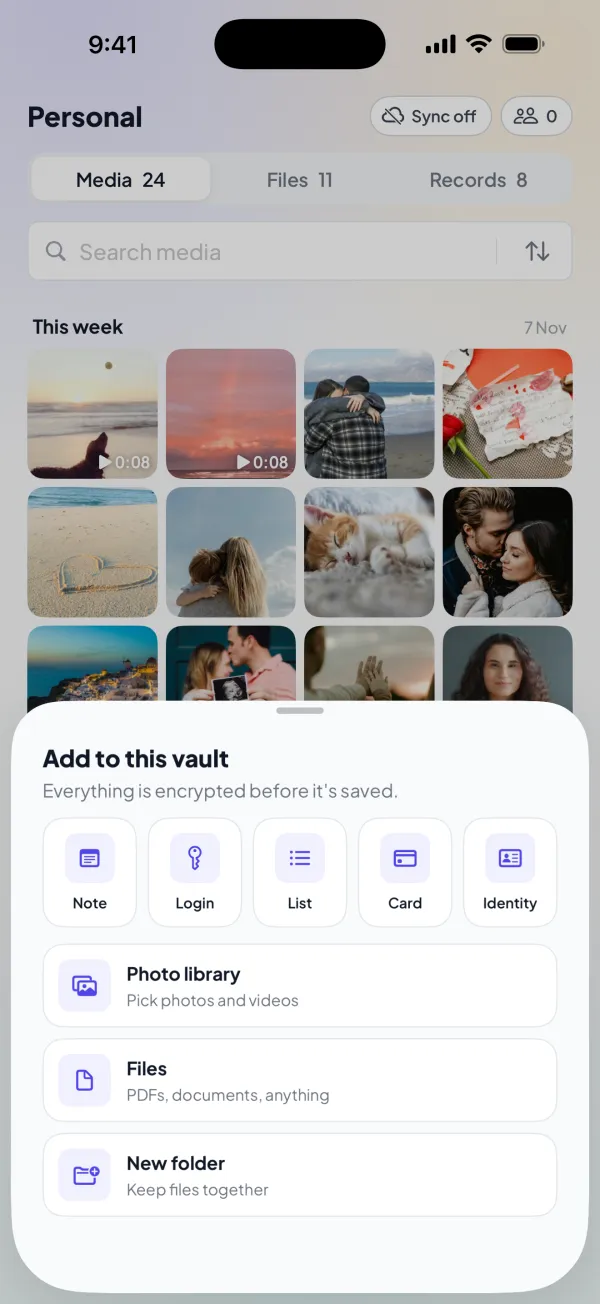
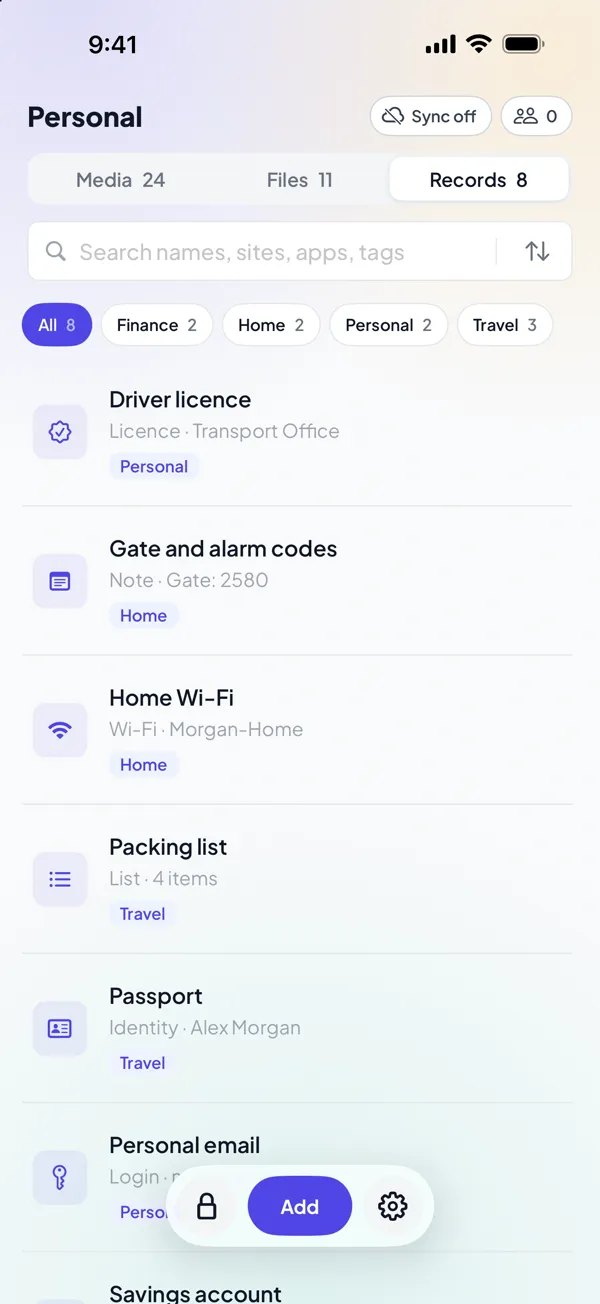
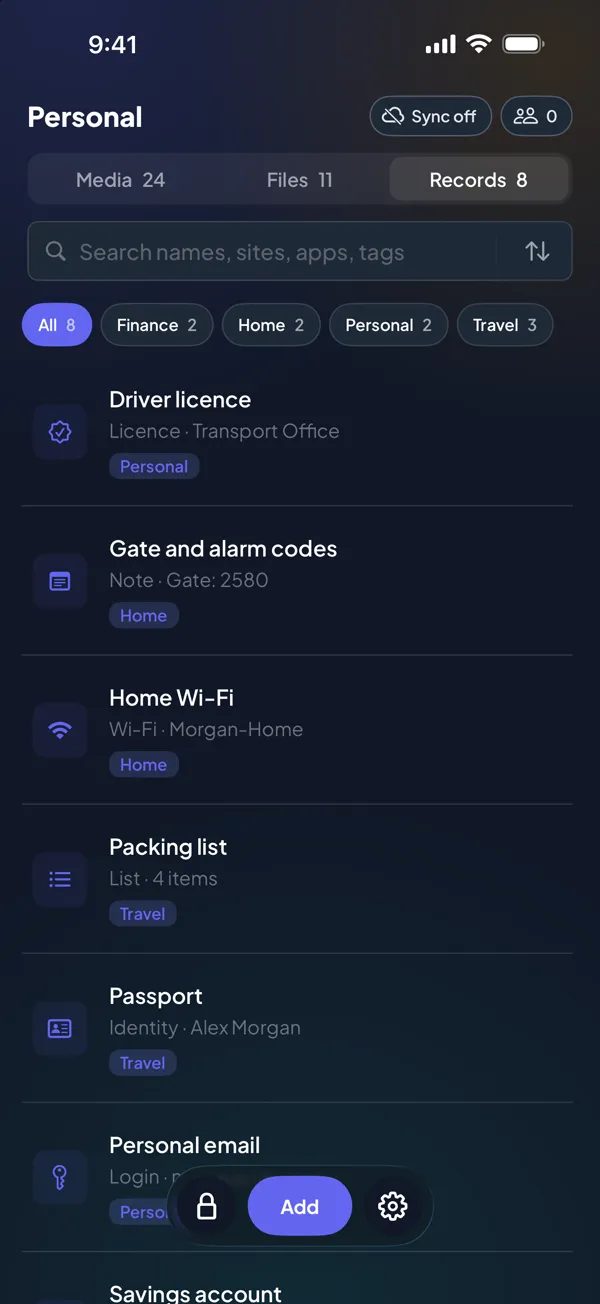
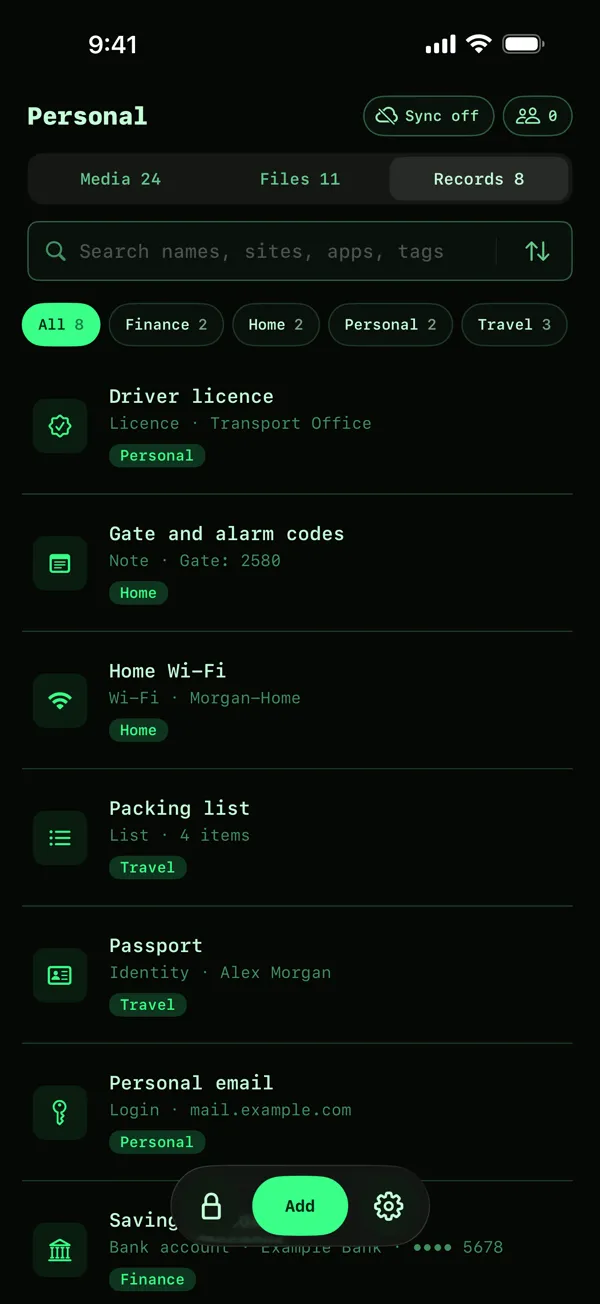
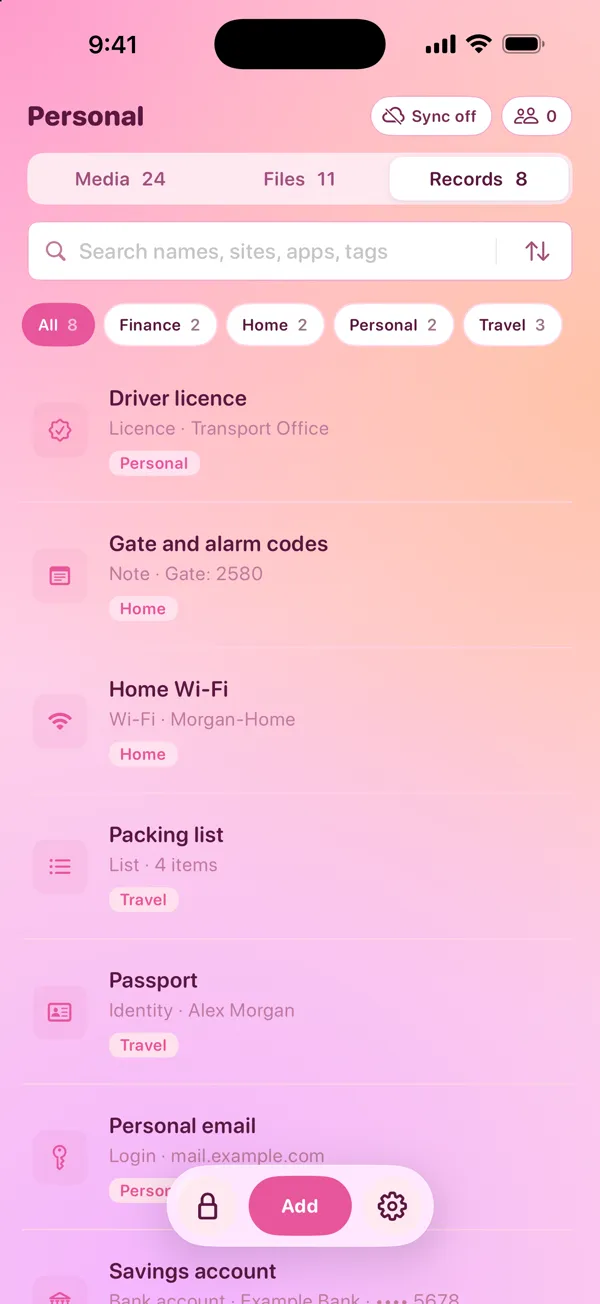
How to keep a passport copy in DotSafe
DotSafe keeps the picture and the details together in one vault, encrypted with a key from your pattern. Nothing goes to Photos or to your backups.
- Open a vault. Draw its pattern.
- Take the photo in the vault. Tap Add, then Camera. The photo goes into the vault only. It does not go to Photos or to iCloud Photos.
- Add an Identity record. Tap Add, then Identity. Type the full name, the date of birth, the document number and the expiry date. The document number shows as dots until you tap it.
- Add the other documents. Use a Licence record for a driver licence, and a Policy record for travel insurance. If you have a PDF of a visa or a booking, tap Add, then Files.
- Delete the old copies. If a photo of your passport is in Photos already, import it into the vault, then delete it from Photos. Empty Recently Deleted too.
To copy the passport number into a form, open the record and tap Copy. The copy stays on this device only, and iOS removes it from the clipboard after 60 seconds.
A vault on your phone works in the situations that travel brings
Travel is when you need the copy most, and also when things are most likely to go wrong. A vault on the phone helps in three common situations.
No signal or Wi-Fi
A vault is stored on your device, so it opens with no connection. DotSafe does not need a server to open a vault. You can show the copy at a hotel desk or in an embassy queue in another country.
A lost or stolen phone
If you lose the phone, what happens to the copy depends on your plan. On Free, the vault is only on that phone, and it is lost with it. With Pro, you can turn on sync for the vault, and DotSafe keeps an encrypted copy in your iCloud. On a new device, sign in to iCloud with the same Apple Account, install DotSafe and draw the pattern, and the vault opens again. Restore needs iCloud Keychain to be on, because DotSafe keeps a random value there that it needs to make your keys.
A request to unlock your phone
At some borders, an official can ask you to unlock your phone. Keep your travel documents in their own vault. If you must show what is in DotSafe, you can open that vault. Your other vaults do not appear in it, and DotSafe has no list of vaults. Setting up a decoy vault explains how.
Questions
Is it safe to keep a photo of my passport on my phone?
It is safe in a place that has its own lock and does not sync to other devices without encryption. The camera roll is not such a place: the photo syncs with iCloud Photos, goes into backups and appears in search.
Can I travel with a photo of my passport?
No. Border control and airlines need the real passport. A copy helps an embassy to confirm who you are when you apply for a replacement.
Should I delete the passport photo from my camera roll?
Yes, after you move it to a private place. Delete it in Photos, then empty Recently Deleted. If iCloud Photos is on, this also deletes it from iCloud and your other devices.
What passport details should I keep?
The passport number, the full name as printed, the date of birth, the dates of issue and expiry, and the issuing country. Keep a picture of the photo page too.











